GTA loading screen AI prompt and generator
Your photo as an unofficial GTA-style loading screen, not affiliated with Rockstar Games.
Before use, each photo is checked automatically (Amazon Rekognition) for nudity and to estimate whether the person is an adult. We don't keep any face data from this check.
Ready in about 30 seconds
Rather use ChatGPT or Gemini? Copy the free prompt
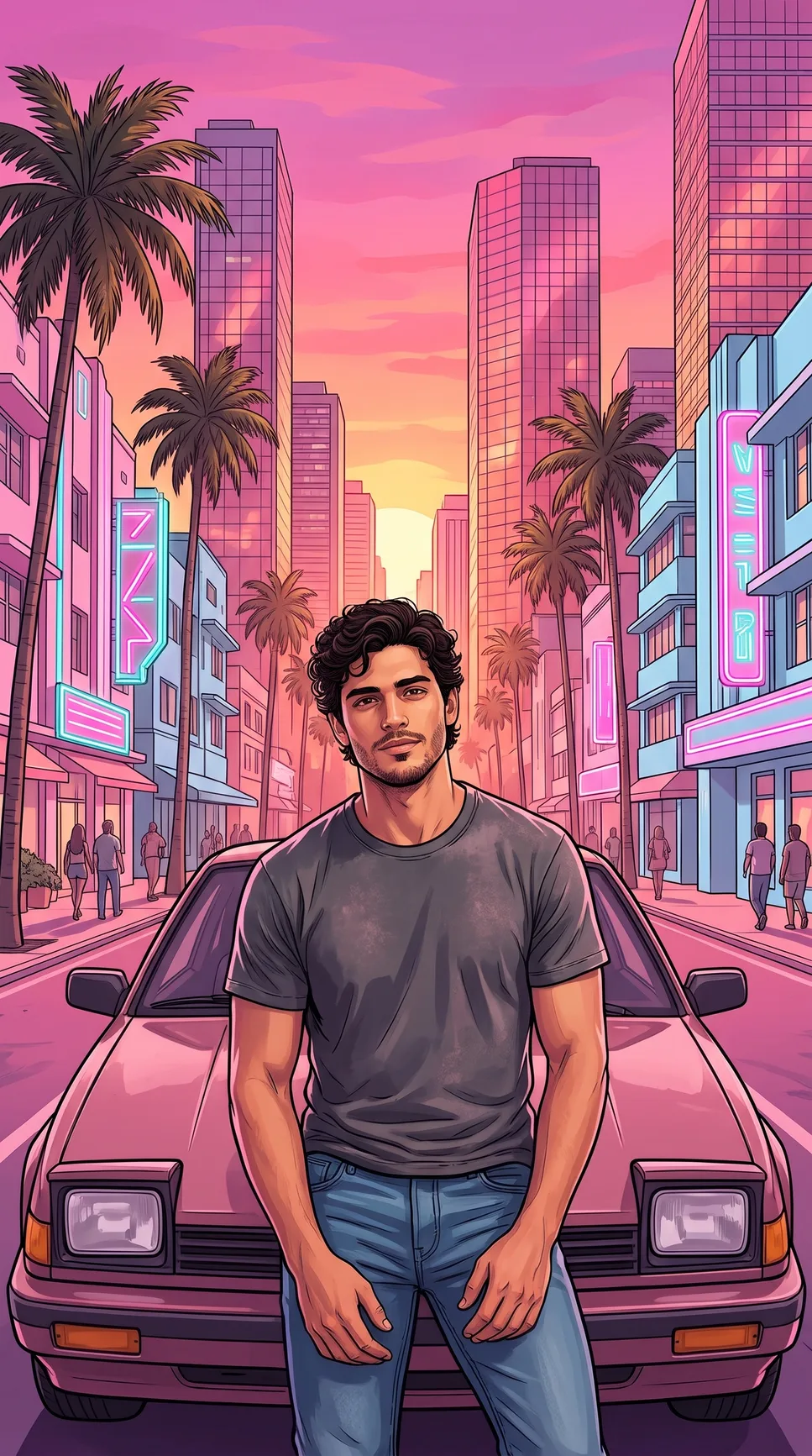 Example
GTA loading screen examples
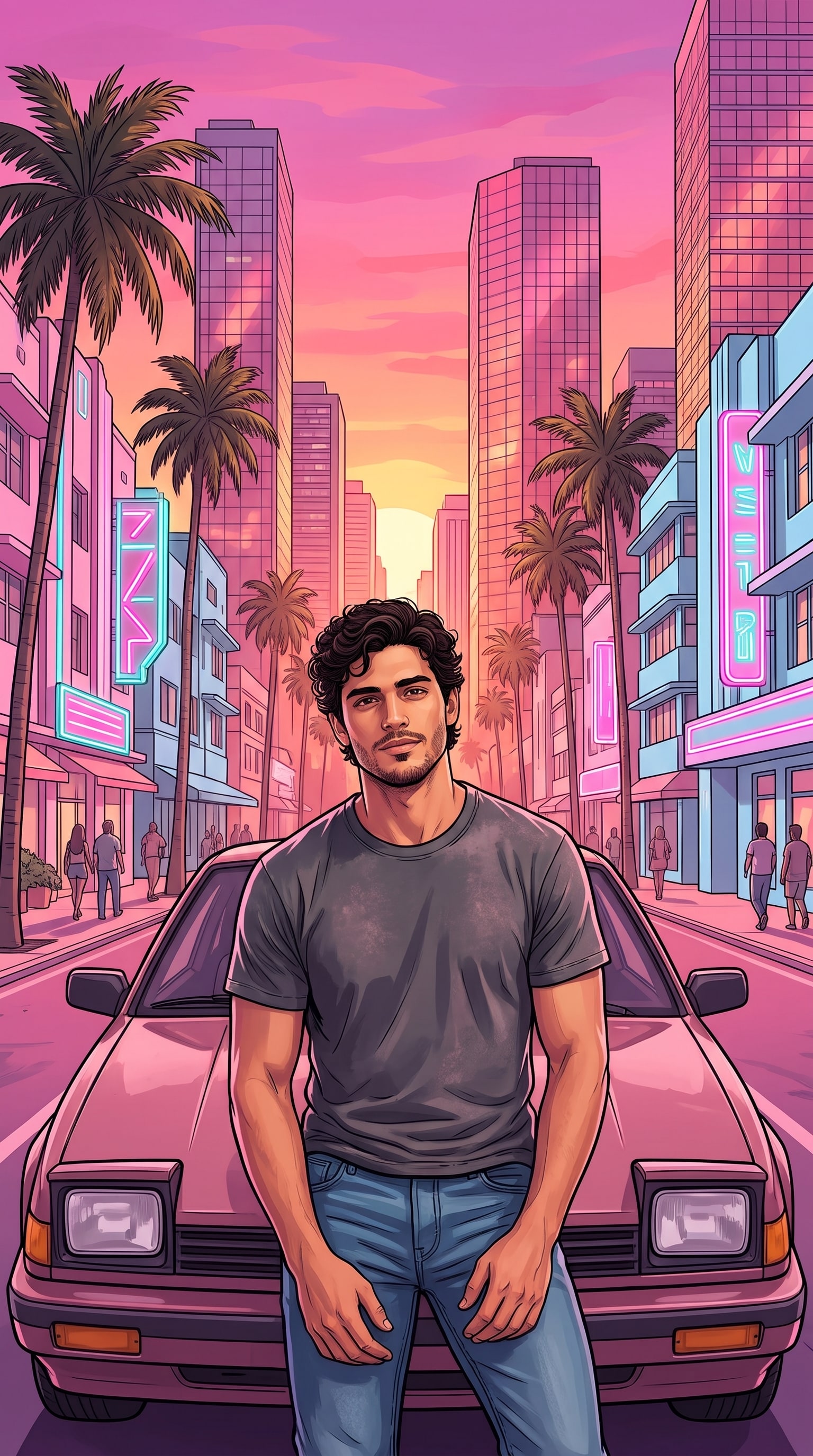
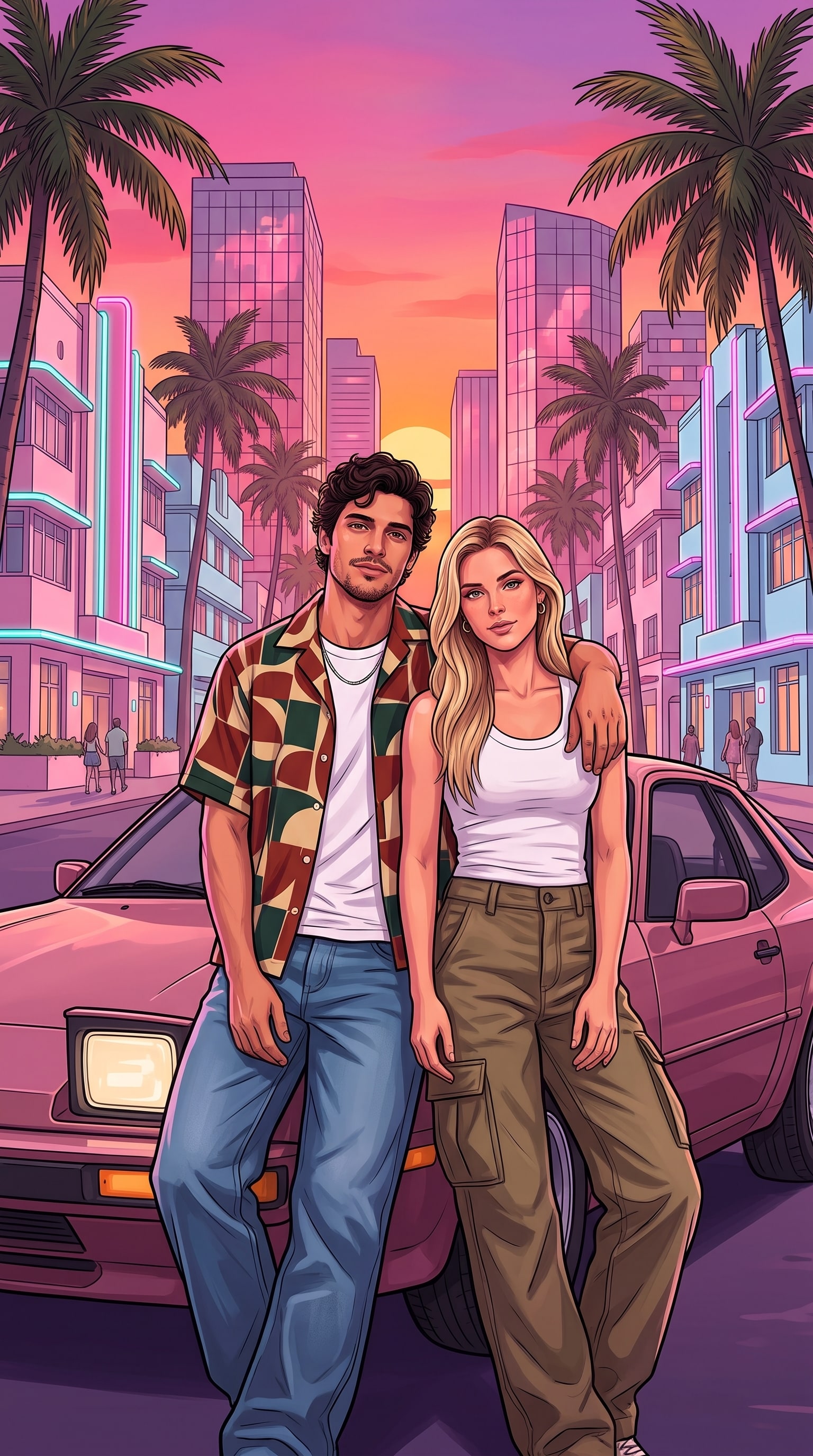
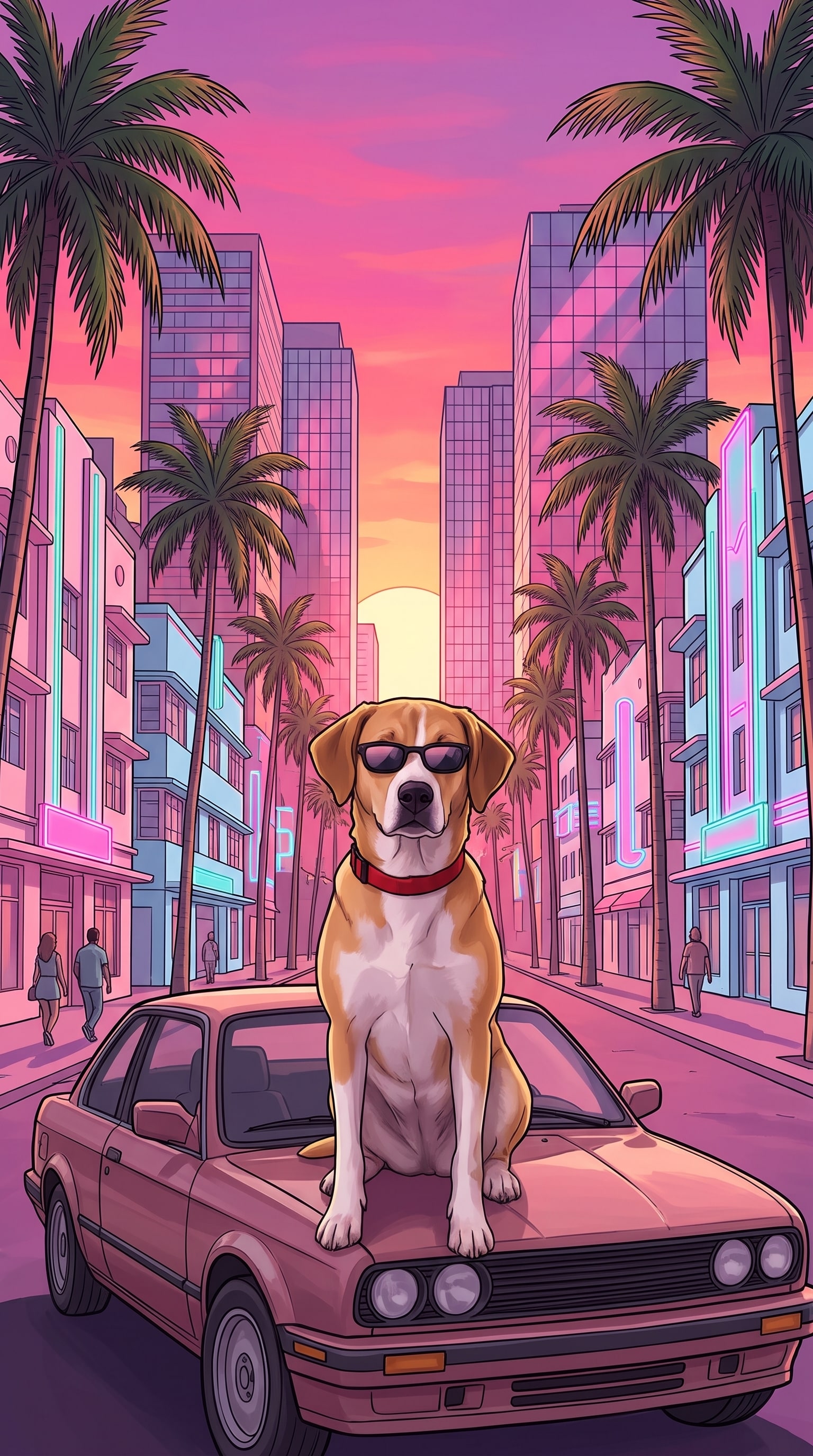
Three GTA loading screen examples made with Nano Banana, the image model inside Gemini. Our sample people are AI-generated, not real. Open one to see its prompt.
How to make your GTA loading screen in Gemini
- 1
Open Gemini
Go to gemini.google.com or open the Gemini app. Sign in with your Google account. Using ChatGPT? Open a new chat there instead.
- 2
Add your photo
Tap + and upload one clear photo of yourself: face to the camera, good light, nobody else in it. Only upload photos of yourself or people who said yes.
- 3
Paste the prompt
Paste the GTA loading screen prompt below and send it. Save the picture when it looks like you.
Use my uploaded photo as the strict reference for my face, hairstyle, skin tone, body shape and clothes. Keep my face clearly recognizable and keep my own outfit. Turn me into the main character of a loading-screen illustration for a modern open-world crime action video game. Style: polished digital painting like official game key art, clean dark ink outlines, smooth painterly cel shading with glossy highlights, saturated sunset colors of hot pink, magenta, purple and orange. Scene: a beachfront city avenue at sunset, lined on both sides with pastel pink and baby-blue Art Deco hotels glowing with pink and teal neon tube lights in abstract shapes, tall glass skyscrapers with pink reflections rising behind them, many tall palm trees in layers, a few people strolling on the sidewalks, the sun half hidden between the buildings. Right behind me is a generic old two-door sports car in dusty rose with plain square headlights, no badges, not any real car model. Pose: I stand in the middle of the picture and lean back against the car, framed from the thighs up, facing the viewer with a confident, cool expression. Composition: vertical 9:16, me centered and large, filling about half of the picture's height, slightly low camera angle so the buildings rise on both sides above my head, the background full of buildings and palm trees with very little empty sky. No text, letters, words, signs, logos, badges, license plates, watermark or game interface anywhere in the picture.
What is the GTA loading screen trend?
The GTA loading screen trend turns a photo of you into a painted, loading-screen-style picture. The look is vertical, with clean ink outlines, glossy painted shading and a hot-pink sunset. You lean on an old sports car on a beachfront street with pastel Art Deco hotels, pink and teal neon and tall palm trees. Our prompt describes only this art style, so you get your own GTA loading screen art, not a copy of anyone's artwork.
The trend spread on TikTok, where people share a CapCut template and copy-paste prompts for Gemini and ChatGPT. The CapCut template reportedly had about 156,000 uses by November 16, 2026. The trend is picking up again around the GTA 6 release on November 19, 2026.
This is an unofficial fan-style prompt. It is not affiliated with or endorsed by Rockstar Games or Take-Two Interactive. Grand Theft Auto and GTA are their trademarks.
Sources: GTA filter guide (Atlas Cloud, Nov 16, 2026). The use count comes from a third-party article and is not confirmed.
- Look
- Ink outlines, painted cel shading, neon sunset, Art Deco, palms
- Format
- Vertical 9:16 picture, person leaning on an old car
- Spread
- TikTok; a CapCut template reportedly had about 156,000 uses by Nov 16, 2026
- Made with
- Gemini and ChatGPT, plus apps and filters
- Status
- Unofficial fan-style prompt, no logos or text
Questions
What is the GTA loading screen AI prompt trend?
People upload a photo to an AI image tool like Gemini or ChatGPT and paste a prompt that redraws it as a painted loading screen. It is a GTA style AI prompt, and the prompt on this page is free to copy. It is also called the GTA loading screen meme. Then they post it on TikTok or Instagram. People share these prompts on Reddit and TikTok too.
How many credits does a picture cost?
5 credits per picture. Your first picture is free if you sign up with Google. After that, each picture, Make another included, costs 5 credits.
How long does it take?
About 30 seconds. You can leave the page: the picture is saved to My videos.
Which app should I use, and is the prompt free?
The easiest way is the generator at the top of this page. Gemini is the one our examples were made for: they come from Nano Banana, the image model inside Gemini. The prompt is free to copy from this page. Making the picture follows each app's own free and paid limits. ChatGPT should work too, but we have not tested our prompt there.
Is there a ChatGPT GTA style prompt that works?
It should. Upload your photo, paste the same prompt and send it. We have not tested it in ChatGPT yet, so the result may look a bit different from our examples.
Is there a GTA loading screen filter or template?
Some apps sell a GTA loading screen filter, and people also share a CapCut template. This prompt works like a GTA loading screen template: the scene is set and you only add your photo. You can use it in Gemini or ChatGPT with no extra app, or skip the prompt and use the generator at the top of this page.
Can I make a GTA loading screen with my dog?
Yes. That is the GTA loading screen dog idea. Use the dog prompt and upload one clear photo of your dog with its face visible. The prompt puts your dog on the car in small sunglasses. Edit the Pose line if you want something else.
Can I make one with my partner?
Yes. Use the couple prompt and upload two photos, one of each person, in the same message. The prompt has them leaning on the car together. If you want a different pose, edit the Pose line.
Can I make a GTA 6 loading screen video instead?
Yes. Our GTA 6 loading screen AI video generator turns one photo of you into a 10-second vertical video: a sunny seaside street scene that turns into a four-panel loading screen poster of you. You can try the first 4 seconds free.
Can I change the size, like 4:5 or 16:9?
Yes, you can try. Each prompt has a Composition line that starts with "vertical 9:16". Change those words to "vertical 4:5" or "horizontal 16:9" and keep the rest. AI tools do not always follow the ratio exactly, so crop the picture if needed. To change the background, edit the Scene line.
Why doesn't the face look like me?
Use a sharp photo with your face to the camera and nobody else in it. Painted styles simplify faces, so it can take another try. If the face still drifts, reply "keep my face exactly as in my photo".
Do you keep my photo?
No. We delete your photos as soon as your picture is finished or has failed. The picture stays in My videos for 30 days so you can download it, then it is deleted.
Is this official, and can I post it?
No. It is an unofficial fan-style prompt, not affiliated with or endorsed by Rockstar Games or Take-Two Interactive. Grand Theft Auto and GTA are their trademarks. The prompt asks for no logo, title or text. If you post your picture, do not add official logos or game titles. Only upload photos of yourself or people who agreed.