How to Make a Tip Toeing in My Jordans AI Video: Tiptoeing Dance Tutorial
To make a Tip Toeing in My Jordans AI video of yourself, add your photo for the dancer on the Tip Toeing in My Jordans page, make the free 4-second version to check the face, then make the full 11-second video. The person in the hay is optional: add a friend, or our cast member plays that part. There are no prompts to write and no editing app.
This guide walks through each step, which photos work, what to do when something goes wrong, and how to add the RiFF RAFF sound when you post.
What you need
- One photo of yourself for the dancer, one person per photo, face clearly visible. A second photo for the person in the hay is optional. JPG or PNG, up to 5 MB each.
- The photos must be of adults who agreed to be in the video. No celebrities or other public figures.
- An account: the free 4-second version uses daily free credits, the full video uses purchased credits.
- A few minutes: Standard usually takes 2 to 5 minutes, Best 5 to 15.
Step by step
- 1
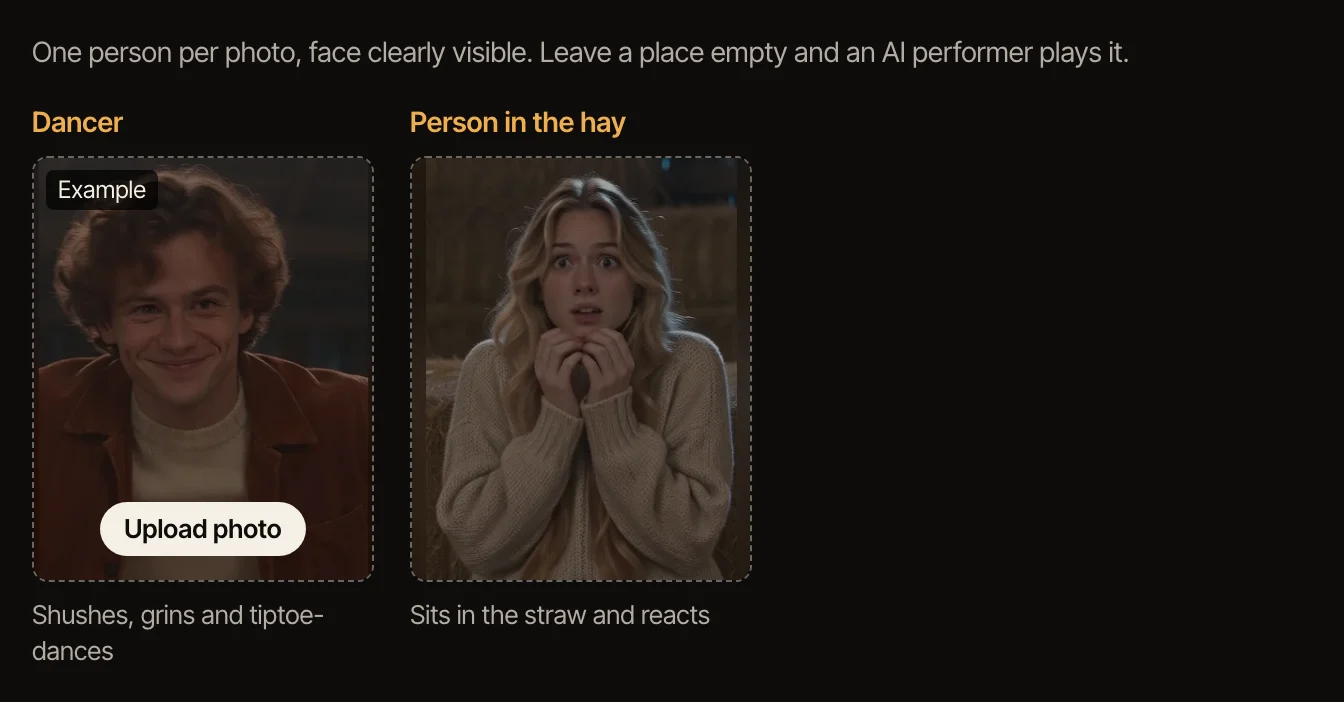
Decide who plays what
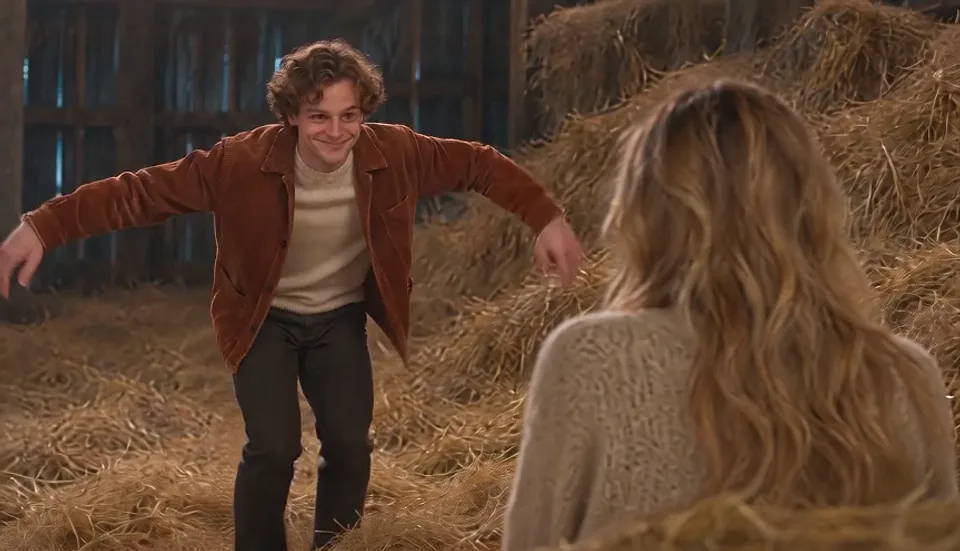
The dancer does everything: the finger raised for silence, the grin, the tiptoe dance with arms spread wide and the raised finger at the end. The person in the hay only reacts. Take the dancer yourself; give the hay to a friend, or leave it to our cast member.
- 2
Add your photo
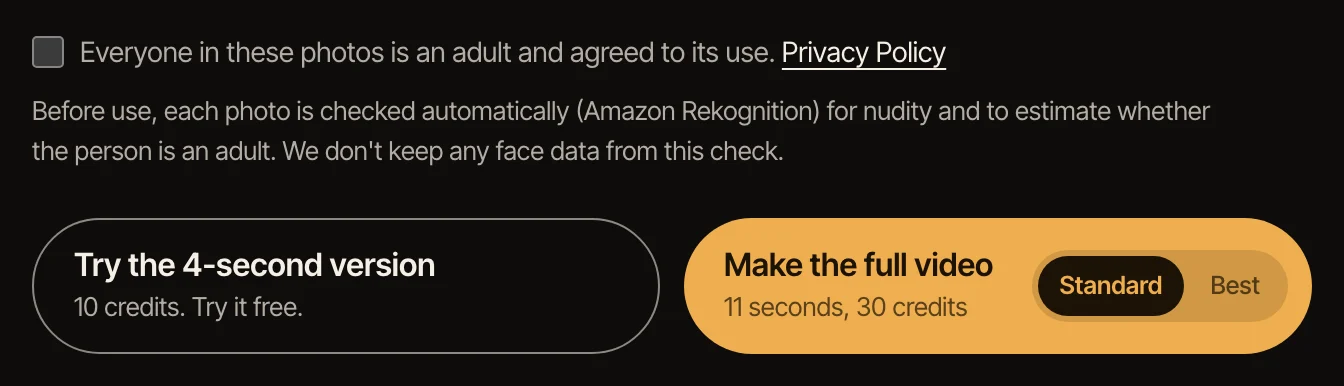
On the Tip Toeing in My Jordans page, click the Dancer box and choose your photo. Add a photo to the second box too if a friend is playing the person in the hay, and tick that everyone in the photos agreed. Each photo is checked automatically before anything is made.
- 3
Make the 4-second version first
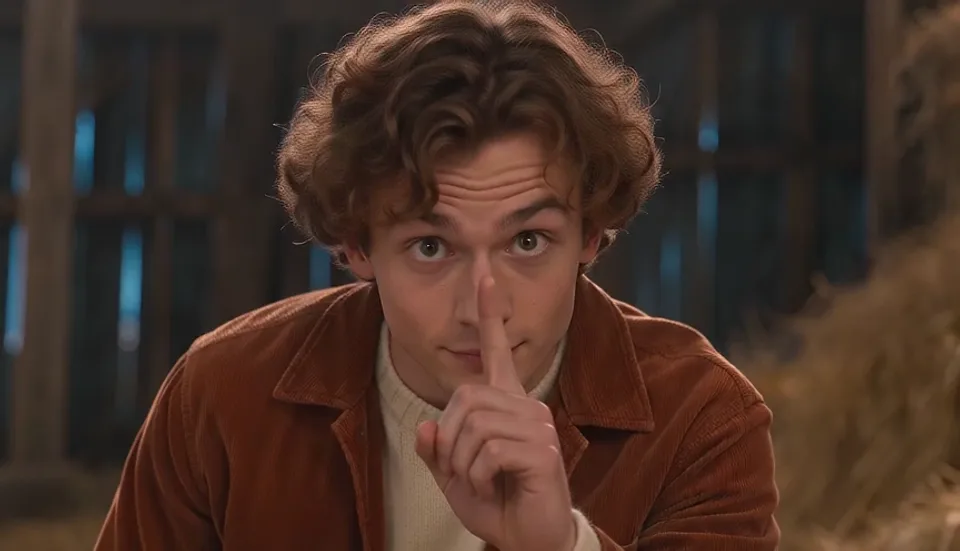
It is the opening four seconds: the finger raised for silence, the reaction in the hay and the grin, made with free credits, so you can see how well your face comes through before spending anything.
- 4
Make the full video
Pick Standard or Best, then make the 11-second video: the opening, the tiptoe dance, the curled-toe shoes in the straw and the raised finger at the end. Best is the higher-quality model.
- 5
Download it and add the sound when you post
Videos made with purchased credits have a Download MP4 button. The file is silent on purpose: add “Tip Toe Wing In My Jawwdinz” by RiFF RAFF in TikTok, Reels or Shorts when you post, and start it from the beginning.
Get a better likeness
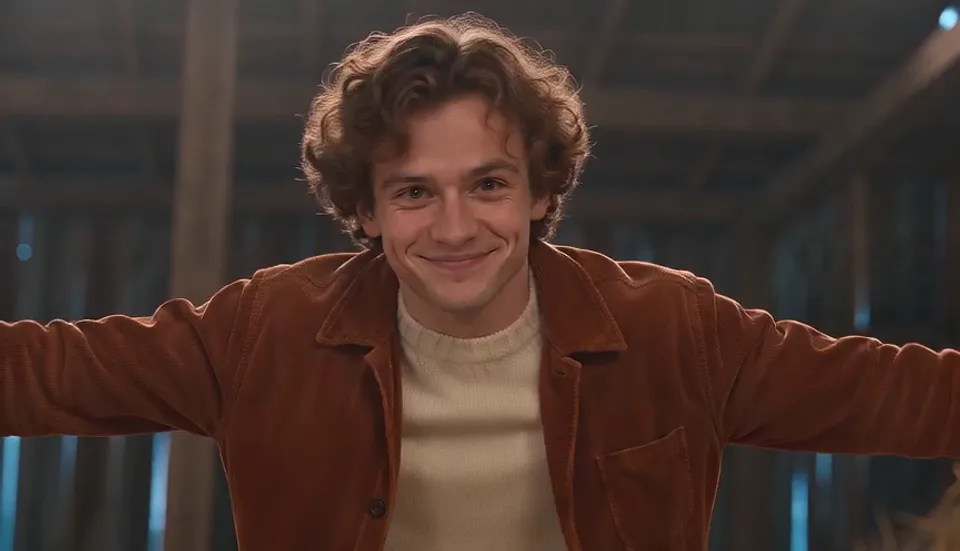
The face in the video comes from the face in the photo, so the photo decides most of the result. Use one where the face is big in the frame, lit from the front, with no sunglasses, hat brim or hair across the eyes.
For the dancer, a head-to-toe photo works best: the dance shows the whole body, so a full photo lets the video keep your build and outfit. With a face-only photo the rest of the outfit is made up. Whatever you wear, the shoes always become the meme’s curled-toe pair.
Test with the 4-second version. Once your face looks right there, it will look right in the full video too.
If something goes wrong
A photo is refused: it had more than one face, the face was turned away or covered, or it looked like a minor. Use another photo of the same person, on their own and facing the camera. A photo with other people in it, even small faces in a picture on the wall, can make the video fail; the credits come back.
The button asks for a photo: the dancer needs one. The person in the hay can stay empty.
Not enough credits: the full video uses purchased credits. Daily free credits cover the 4-second version only.
The video failed: this is rare and the credits go back to your account automatically. Try again; if it fails twice with the same photo, try a different one.
Other ways people make it
Most Tip Toeing in My Jordans AI videos online are made with app templates, by putting a face onto the original clip, or by giving a video model the original dance as a motion reference. That route needs an editing app or a prompt and some trial and error.
On TipToe AI the prompts, the barn and the moves are already done and the original clip is never used; you only choose a photo. That is the trade: the video follows the meme shot by shot rather than copying it frame by frame, and there is nothing to edit.
Sources: Know Your Meme, EarlyGame
Questions
Is the Tip Toeing in My Jordans meme AI?
Yes. The original clip was made with AI and first posted on Instagram in August 2026; the song was added on TikTok a month later. Your version is a new AI video made from your photo.
What movie is the Tip Toeing in My Jordans meme from?
None. The clip looks like a 1980s fantasy film, which sent many people looking for it, but it was made with AI and there is no movie.
What can I make for free?
The 4-second version: the opening of the meme with you as the dancer, made with daily free credits. The full 11-second video and the download use purchased credits.
Can I use only one photo?
Yes. Only the dancer needs a photo; our cast member plays the person in the hay unless you add a friend.
Can I do this on my phone?
Yes. The page works in a phone browser: choose a photo from your camera roll, make the video, and download the MP4 to your phone to post.
What happens to the photos?
They are used to make your video and then deleted; the photos and still frame behind a 4-second version are kept for 24 hours so you can make the full video from them. Details are in the privacy policy.
Is this an official tool?
No. This is a fan-made AI video tool and is not affiliated with the creators of the original clip or with RiFF RAFF.
A dim barn, a finger raised for silence, a sly grin, then the tiptoe dance in curled-toe shoes. You play the dancer.
Make your Tip Toeing in My Jordans video