How to Make a ChatGPT Millionaire AI Video: How I Become a Millionaire in 30 Days Meme
To make a ChatGPT Millionaire AI video of yourself, upload one photo for the asker on the ChatGPT Millionaire page, or a photo of your dog or cat to put your pet in the scene. Try the opening 4 seconds with daily free credits to check the face, then use purchased credits to make the full 13-second video, from “How I become a millionaire in 30 days?” to the second try after “Get a job, bro.” There are no prompts to write.
This ChatGPT meme is also called the Get a Job meme, and people search for it as “ChatGPT how do I become a millionaire in 30 days” or “Chat GPT millionaire”. The original video is an Instagram reel posted by @glowboynoah on September 18, 2026, with the on-screen text “That one dude who ask ChatGBT everything” (often searched as “that one dude who ask ChatGPT everything”); AI remakes made it the Millionaire AI trend in October 2026. This tutorial walks through each step, which photos work, the AI voice, what to do when something goes wrong, and how to post it.
What you need
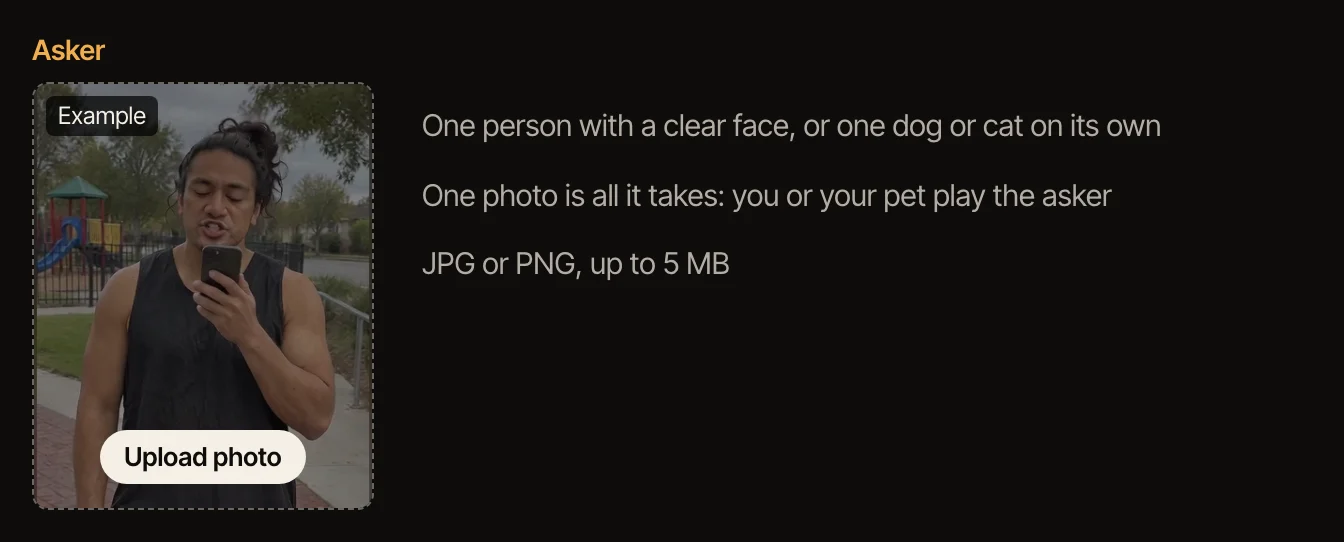
- One photo for the asker: yourself, with the face clearly visible, or your dog or cat on its own. JPG or PNG, up to 5 MB.
- If the photo shows a person, it must be an adult who agreed to be in the video. No celebrities or other public figures.
- An account: the free 4-second version uses daily free credits, the full video uses purchased credits.
- A few minutes: Standard usually takes 2 to 5 minutes, Best 5 to 15.
Step by step
- 1
Know the part you are playing
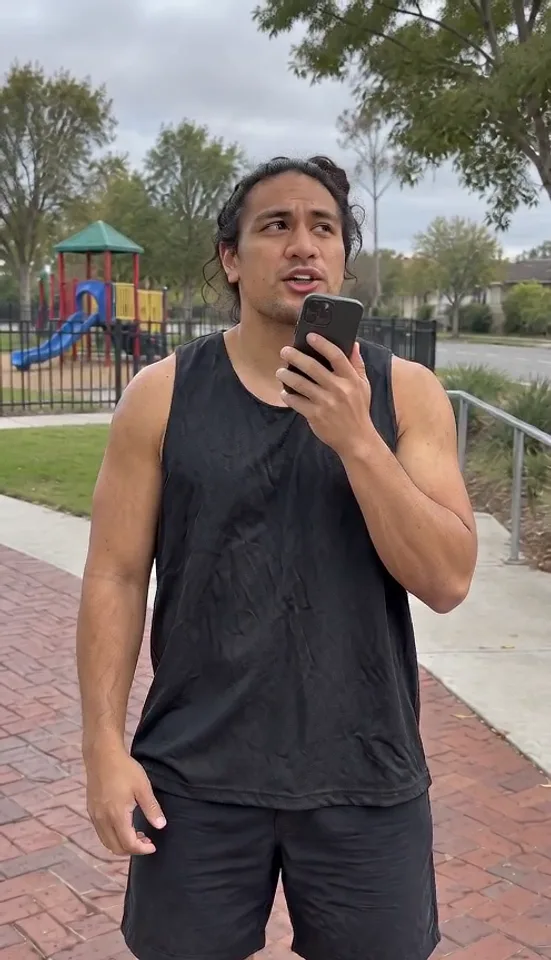
There is only one person on screen: the asker, standing outside with a phone. The person filming is never seen or heard; only the asker is on screen. You raise the phone and ask “ChatGPT, ChatGPT… how I become a millionaire in 30 days?”, look down to read “Get a job, bro”, roll your eyes at “What are they talking about?”, then hold the phone up again to ask what if you don’t want to get a job. With a pet photo, your dog or cat plays the same scene.
- 2
Add your photo
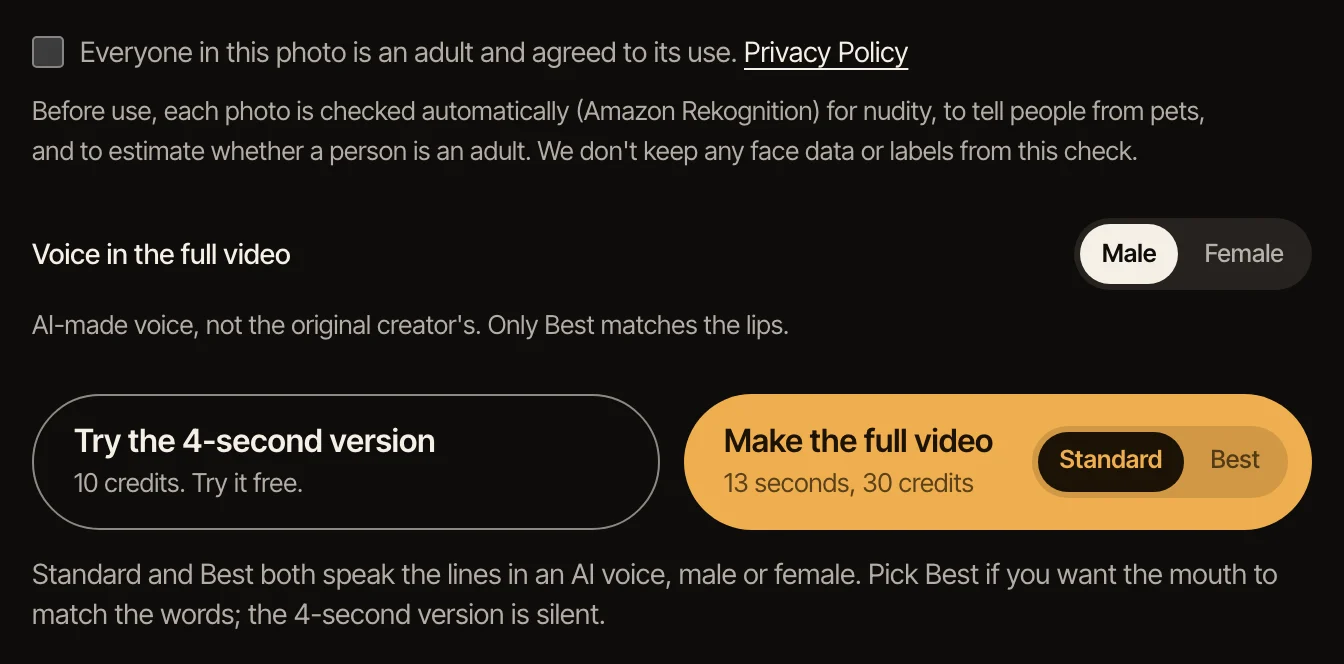
On the ChatGPT Millionaire page, click the Asker box, choose your photo or your pet’s and check the box to confirm that anyone in it agreed to be in the video. The photo is checked automatically before anything is made: it tells people from pets on its own, so there is nothing else to choose.
- 3
Make the 4-second version first
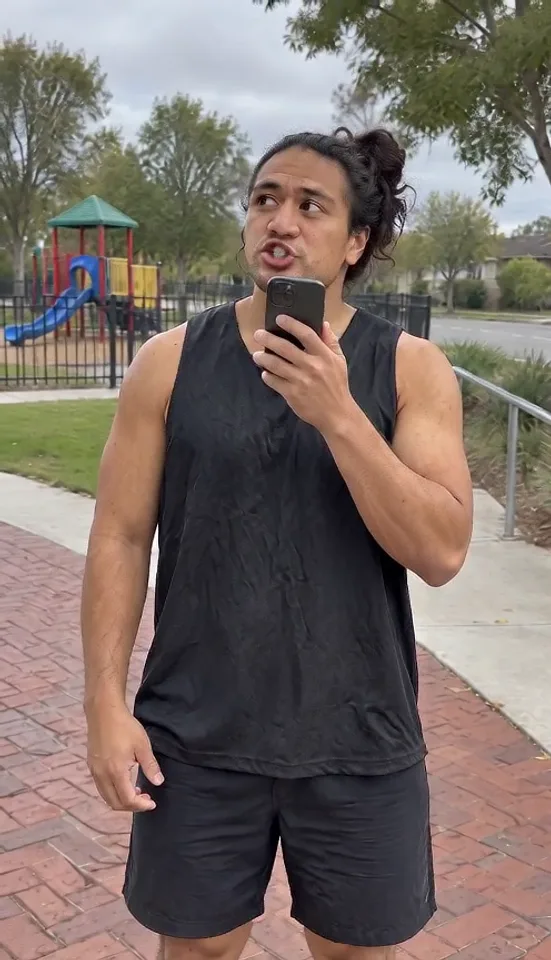
It is the opening four seconds: the asker raises the phone and asks how to become a millionaire in 30 days. It is silent and made with daily free credits, so you can see how well your face, or your pet, comes through before spending anything.
- 4
Make the full video
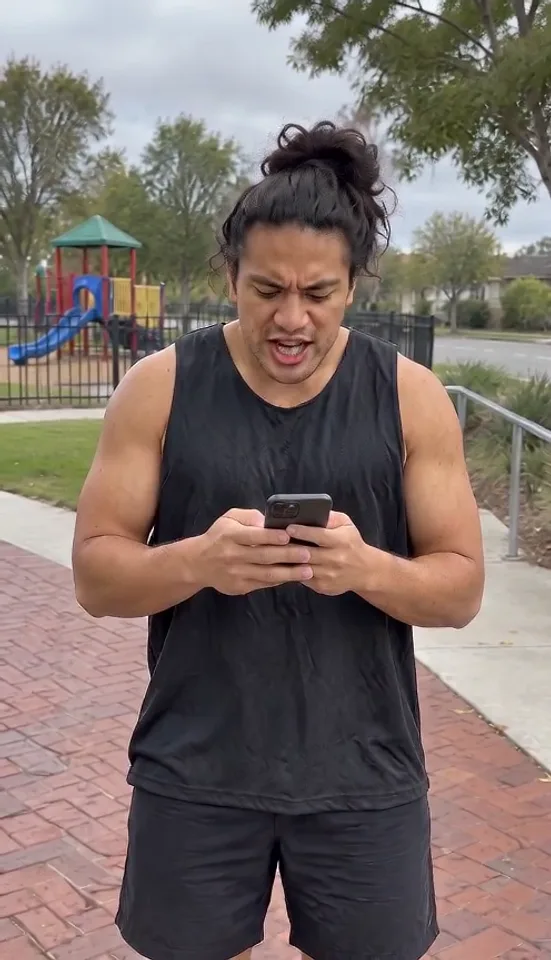
Pick Standard or Best, then make the 13-second vertical video: the question, “Get a job, bro”, the eye roll and the second try. Both come with sound: the lines spoken in an AI voice, male or female, your pick (not the original creator’s voice). Best is the higher-quality model; pick Best if you want the mouth to match the words. In Standard the mouth won’t line up with the voice.
- 5
Download it and post it
Videos made with purchased credits have two download buttons. Download with voice saves the full video with the AI voice you picked, so you can post your ChatGPT Millionaire video as it is. Want the original sound instead? Download the silent version, then in TikTok tap Add sound and search “ChatGPT Millionaire”.
Get a better likeness
The face in the video comes from the face in the photo, so the photo decides most of the result. Use one where the face is big in the frame, lit from the front, with no sunglasses, hat brim or hair across the eyes.
A face-and-shoulders or waist-up photo works best: the camera stays fairly close to the asker, from about the hips up, so a full-body photo only makes the face smaller. Your clothes come from the photo; the phone and the outdoor setting are part of the scene.
Test with the 4-second version first. The full video starts from the same opening frame, so if your face looks right there, that is a good sign.
Making the dog or cat version
For a pet, use a photo of your dog or cat on its own, with no people or other animals in it, not even a hand at the edge. The face and the front of the body should be clearly visible, in focus and well lit, with the pet filling a good part of the frame. Your pet keeps whatever it wears in the photo, including a collar or a bandana; we don’t add clothes. Dogs and cats work best; other animals may be accepted, but we can’t promise how they turn out.
For a dog, a photo with the face and chest toward the camera works best. For a cat, make sure both eyes are clear and it is not turned away. That photo is all you need for the Get a Job dog meme or a ChatGPT Millionaire cat video. In the full video, your pet gets the AI voice too.
If something goes wrong
A photo is refused: the photo may show more than one face, a face turned away or covered, someone who looks under 18, or nothing we can recognize as a person or a pet. Use another photo of the same person, on their own and facing the camera. A photo with other people in it, even small faces in a picture on the wall, can make the video fail; the credits come back.
A pet photo is refused: there was more than one animal, a person was in the photo without a clear face, or the pet was too small or blurry to recognize. Use a photo of one pet on its own, close up and in focus.
Not enough credits: the full video uses purchased credits. Daily free credits cover the 4-second version only.
The video failed: the credits go back to your account automatically. Try again; if it fails twice with the same photo, try a different one.
The mouth does not match the voice: that is expected in Standard, which has every move but doesn’t follow the words. If the mouth should match, make the video in Best.
Other ways people make it
Some How I Become a Millionaire AI videos online start from the original reel, a CapCut template (TikTok has tutorials for one) or a written prompt for a video model, which takes an editing app or some trial and error.
On TipToe AI the scene and the moves are already set and the original footage is never used; you only choose a photo. That is the trade: the video follows the meme move by move rather than copying it frame by frame, and there is nothing to write or edit: the full video already speaks the lines.
Questions
Is the Get a Job meme the same as ChatGPT Millionaire?
Yes, in this tutorial. ChatGPT Millionaire, the Get a Job meme, the “Get a job, bro” (or “get a job lil bro”) meme and “Hey ChatGPT, how do I become a millionaire” all name the same skit: someone asks ChatGPT how to get rich and reads back “Get a job, bro”. Older, unrelated “get a job” memes are something else; this tutorial is only about the ChatGPT Millionaire meme.
What does the asker say?
“ChatGPT, ChatGPT… how I become a millionaire in 30 days?”, then, reading the screen, “Get a job, bro.” After “What are they talking about?” comes the second try: what if you don’t want to get a job and still want to be a millionaire? The full video speaks these lines in an AI voice; the 4-second version is silent.
What can I make for free?
The 4-second version: the opening question with you, or your pet, as the asker, made with daily free credits. The full 13-second video and the download use purchased credits.
Can I make it with my dog or cat?
Yes. That is how people make the Get a Job dog meme: add a photo of your dog or cat on its own instead of yourself, and your pet becomes the asker. It keeps its look from the photo, including any collar or bandana. One pet per photo, no people in it. Some call it the ChatGPT Millionaire dog version: the same meme, with a dog or cat holding the phone.
Do I need CapCut, a template or a prompt?
No. The ChatGPT Millionaire page works like a template: the scene and the moves are set, and you only add a photo. There is no prompt to write and nothing to edit: the full video already speaks the lines.
Can I do this on my phone?
Yes. The page works in a phone browser: choose a photo from your camera roll, make the video, and download it with voice to your phone to post. It is already vertical (9:16), the shape TikTok, Reels and Shorts use.
Is there a real way to become a millionaire in 30 days?
Not that we know of, and that is the joke: the only advice in the meme is “get a job”. This tutorial is about making the video, and nothing here is financial advice.
What happens to the photos?
They are used to make your video and then deleted; the photos and still frame behind a 4-second version are kept for 24 hours so you can make the full video from them. Details are in the privacy policy.
Is this an official tool?
No. This is a fan-made AI video tool. It is not affiliated with OpenAI or ChatGPT, or with the creator of the original reel.
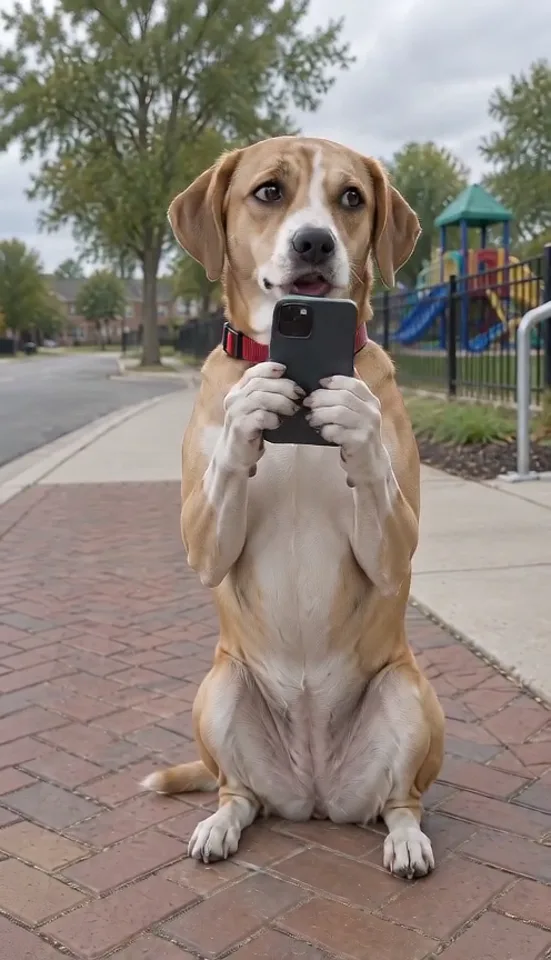
Ask your phone how to become a millionaire in 30 days, read back “Get a job, bro”, roll your eyes and ask again. You, or your dog or cat, play the asker.
Make your ChatGPT Millionaire video