How to Make a Tiny Desk AI Video: Tiny Desk AI Trend Tutorial
To make a Tiny Desk AI video of your friends, add one photo per band member on the Tiny Desk page, make the free 4-second version to check the likeness, then make the full 18-second video. There is nothing to type and nothing to edit: the scene, the camera moves and the band are already set up. Standard quality takes about 2 to 5 minutes, Best 5 to 15.
This is how to do the Tiny Desk AI trend (also called the Outstanding meme or the Outstanding AI meme) with your own photos. This guide walks through each step, what photos work, what to do when something goes wrong, and how to add the "Outstanding" sound when you post.
What you need
- One to five photos, one person per photo, face clearly visible. JPG or PNG, up to 5 MB each.
- The photos must be of adults who agreed to be in the video. No celebrities, coaches or other public figures.
- An account: the free 4-second version uses daily free credits, the full video uses purchased credits.
- A few minutes: Standard usually takes 2 to 5 minutes, Best 5 to 15.
Step by step
- 1
Decide who plays which part
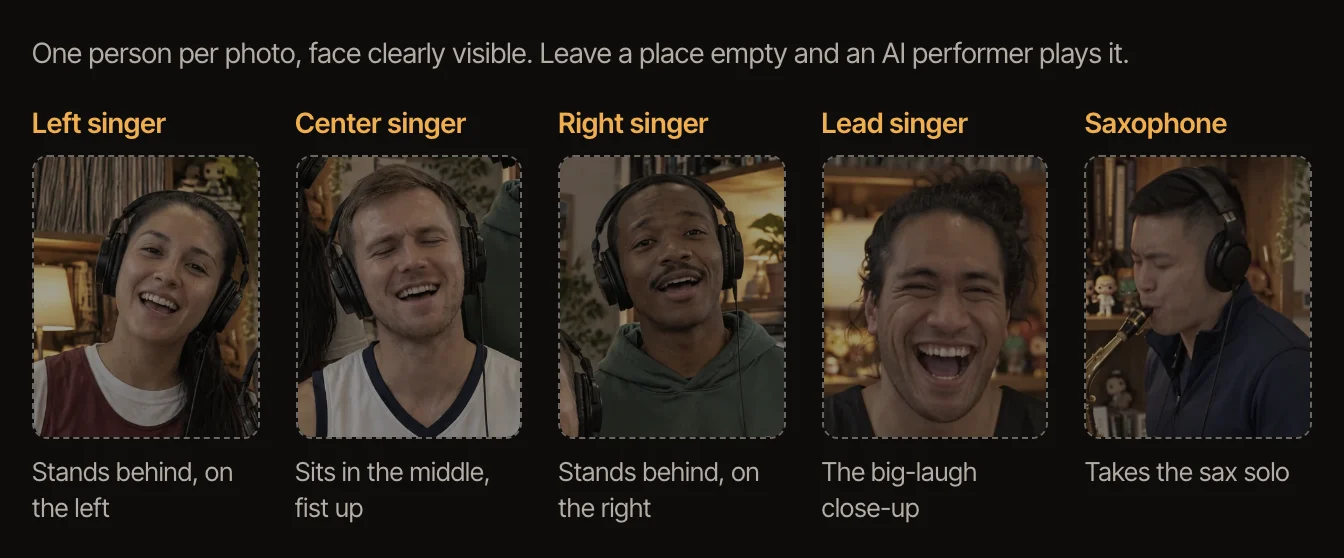
The band has five parts: the lead singer, who gets the long note and the big laugh; the center singer at the keyboard; the left and right backup singers, who are in the 4-second version with the center singer; and the saxophone. Put your most expressive friend in the lead. You do not have to fill every part: any you leave empty is played by an AI performer, so one photo is enough.
- 2
Add the photos
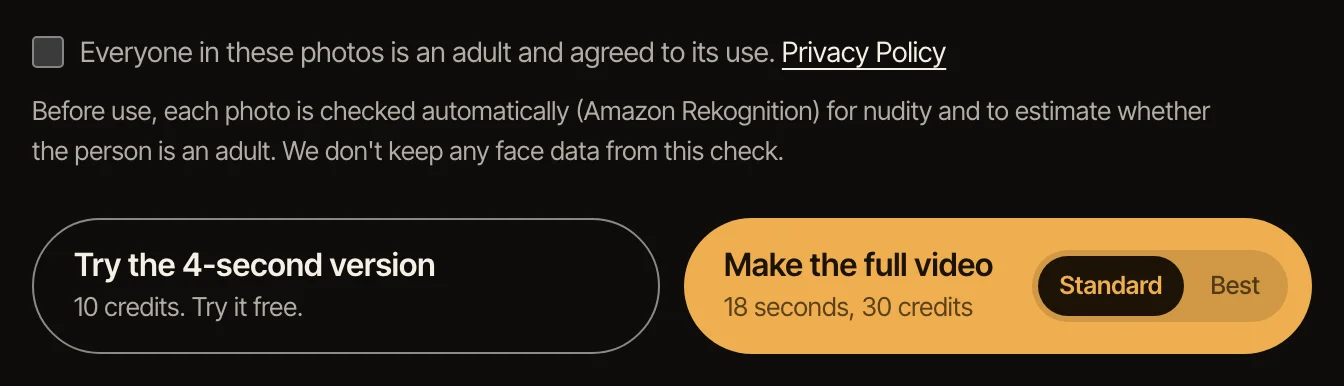
On the Tiny Desk AI generator page, each part has its own box. Click a box, choose the photo for that person, and tick that everyone in the photos agreed. Each photo is checked automatically before anything is made: group photos, faces that are turned away or hidden, and photos that look like a minor are refused, and you can pick another.
- 3
Make the 4-second version first
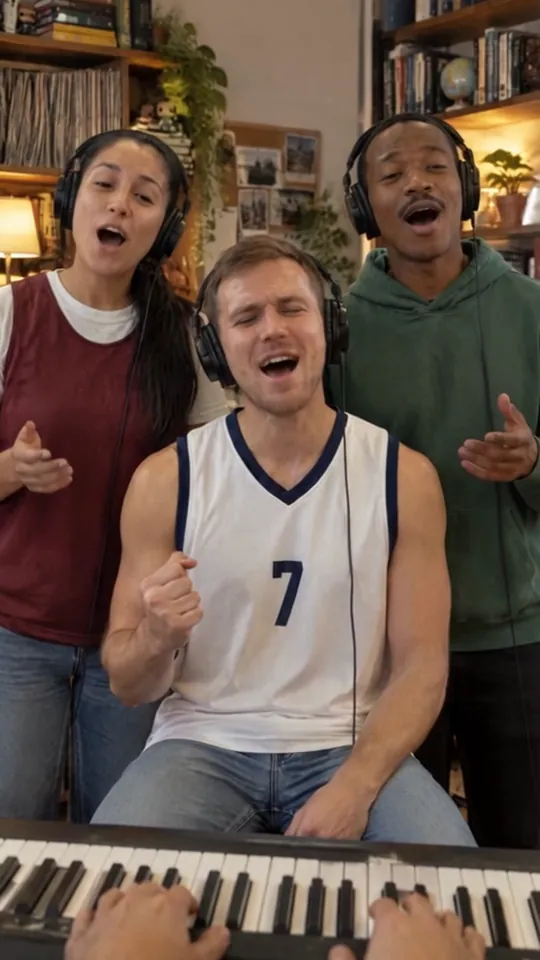
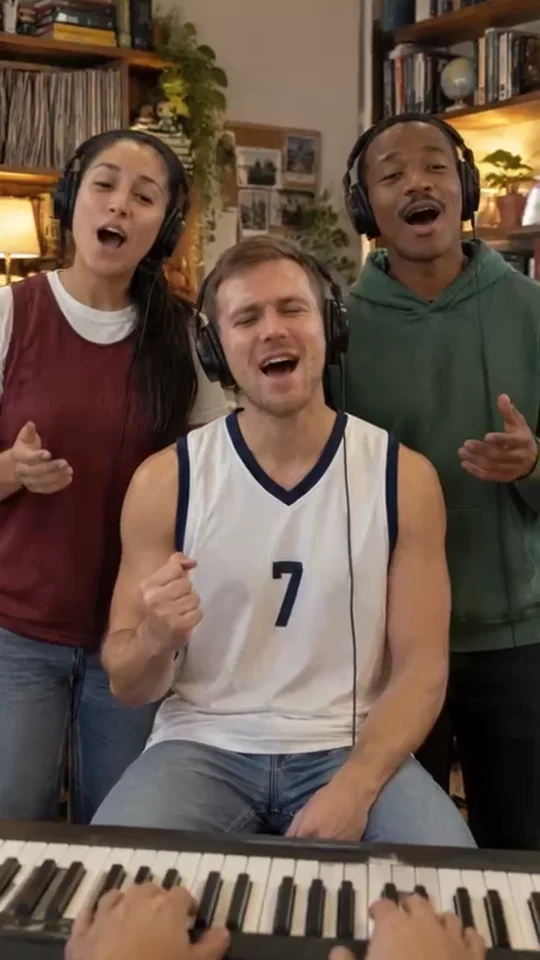
It is the opening four seconds with your three singers in front, made with free credits, so you can see how well the faces come through before spending anything. It needs a photo in at least one of the left, center and right singer boxes; the lead singer and the saxophone come in later, in the full video. If the likeness is off, try a photo with the face bigger and lit from the front.
- 4
Make the full video
Pick Standard or Best, then make the 18-second video: the opening line, the whole band, the lead singer’s laugh, the saxophone solo and the final wide shot. Best keeps faces and hands more stable in the wide shots; Standard is quicker and cheaper. The video waits for you in My videos; you do not have to keep the page open.
- 5
Download it and add the sound when you post
Videos made with purchased credits have a Download MP4 button. The file is silent on purpose: add the "Outstanding" sound in TikTok, Reels or Shorts when you post. Search for "Outstanding Tiny Desk" in the app’s sound library.
Get a better likeness
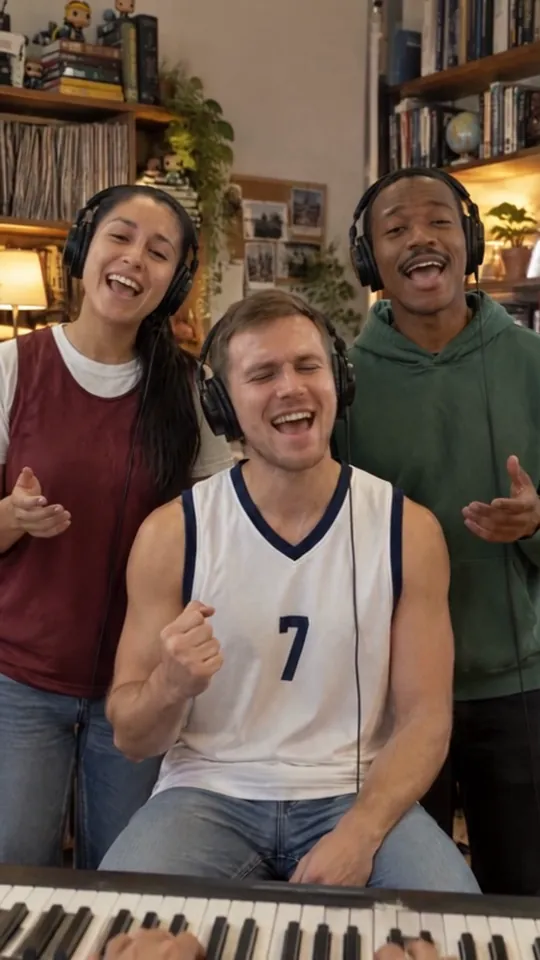
The face in the video comes from the face in the photo, so the photo decides most of the result. Use one where the face is big in the frame, lit from the front, with no sunglasses, hat brim or hand in the way. A phone selfie in daylight beats a flash photo from across a room.
A photo that shows the shoulders helps the model keep the person’s build and clothes; a tight head crop still works but leaves more to guess. Keep the head roughly upright: a face tilted far to one side can come out tilted in the band.
Test the photo you care about most in the left, center or right singer’s box with the 4-second version. Once that face looks right, the same photo in another part will look right too.
If something goes wrong
A photo is refused: it had more than one face, the face was turned away or covered, or it looked like a minor. Use another photo of the same person, on their own and facing the camera.
The 4-second button asks for another photo: the free version is the opening shot with only the left, center and right singers, so it needs a photo in one of those boxes. Move your photo there, or add one.
Not enough credits: the full video uses purchased credits. Daily free credits cover the 4-second version only.
The video failed: this is rare and the credits go back to your account automatically. Try again; if it fails twice with the same photo, try a different one.
Other ways people make it
The first versions of the Tiny Desk meme were made by hand: a creator writes a prompt for a video model such as Seedance or Kling, uploads a reference photo, tunes the prompt until the band, the desk and the camera moves look right, then cuts the clips together and adds the song in an editor. It works, and some of the tutorials that rank for this search are exactly that, but it takes a few tries per clip, each try costs credits on that model, and getting five different faces into one scene is the hard part.
On TipToe AI the prompts, the camera moves and the band are already done; you only choose the photos. That is the trade: less control over the scene, no editing, and a result that looks like the meme the first time.
Sources: the TikTok that started the meme, WFAE on Charlie Wilson’s Tiny Desk, Rolling Stone
Questions
Is there a Tiny Desk template I can download?
Not here. A template means a video you edit in an app, pasting faces onto the original clip. TipToe AI makes a new AI video from your photos instead, so there is nothing to download before you start and nothing to edit after.
What can I make for free?
The 4-second version: the opening shot with your three singers in front, made with daily free credits. It plays on the site so you can check the likeness. The full 18-second video and the download use purchased credits.
Can I do this on my phone?
Yes. The page works in a phone browser: choose photos from your camera roll, make the video, and download the MP4 to your phone to post.
Can I use a different song?
The video is silent, so you add whatever sound you like in the app where you post it. "Outstanding" by The Gap Band is the one the meme uses.
What happens to the photos?
They are used to make your video and then deleted; the photos and still frame behind a 4-second version are kept for 24 hours so you can make the full video from them. Details are in the privacy policy.
Is this an official NPR tool?
No. Tiny Desk is NPR’s concert series and its trademark. This is a fan-made AI video tool and is not affiliated with NPR.
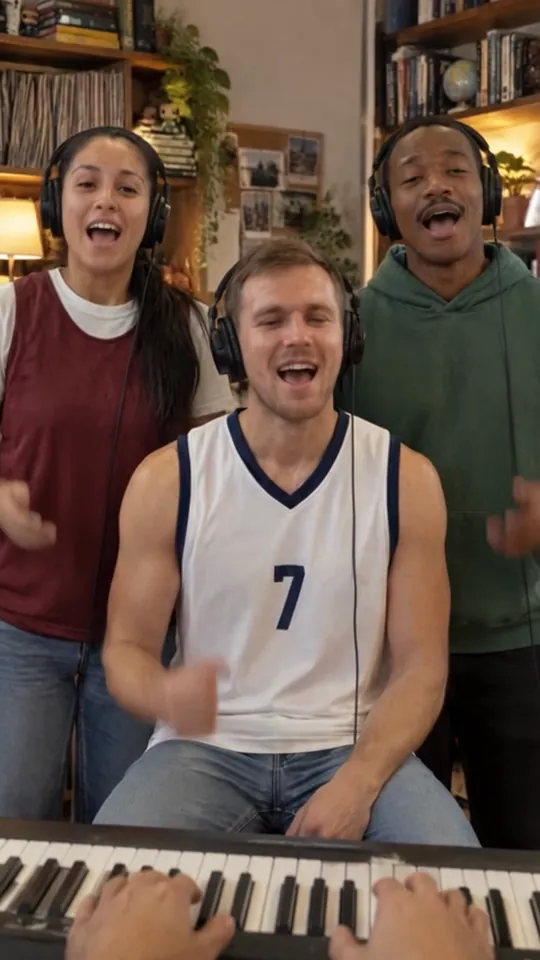
Headphones on, bookshelves behind you. You take the first verse.
Make your Tiny Desk video