How to Make a Hotel Lobby AI Video: Hotel Lobby AI Trend Tutorial
To make a Hotel Lobby AI video of you and a friend, add one photo for each side of the mic on the Hotel Lobby page, make the free 4-second version to check both faces, then make the full 15-second video. There are no prompts to write and no editing app.
This guide walks through each step, which photos work, what to do when something goes wrong, and how to add the Hotel Lobby sound when you post.
What you need
- Two photos, one person per photo, face clearly visible. JPG or PNG, up to 5 MB each.
- The photos must be of adults who agreed to be in the video. No celebrities or other public figures.
- An account: the free 4-second version uses daily free credits, the full video uses purchased credits.
- A few minutes: Standard usually takes 2 to 5 minutes, Best 5 to 15.
Step by step
- 1
Decide who takes which side
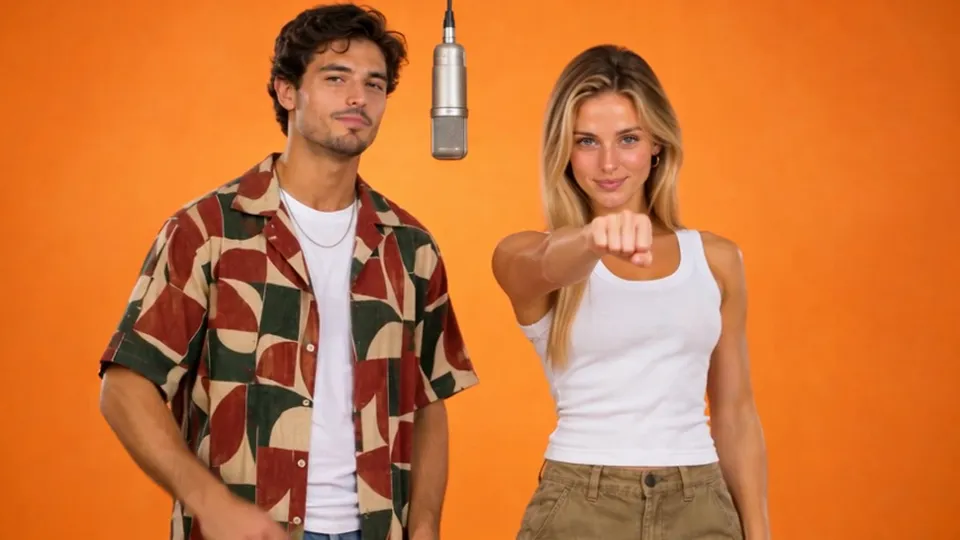
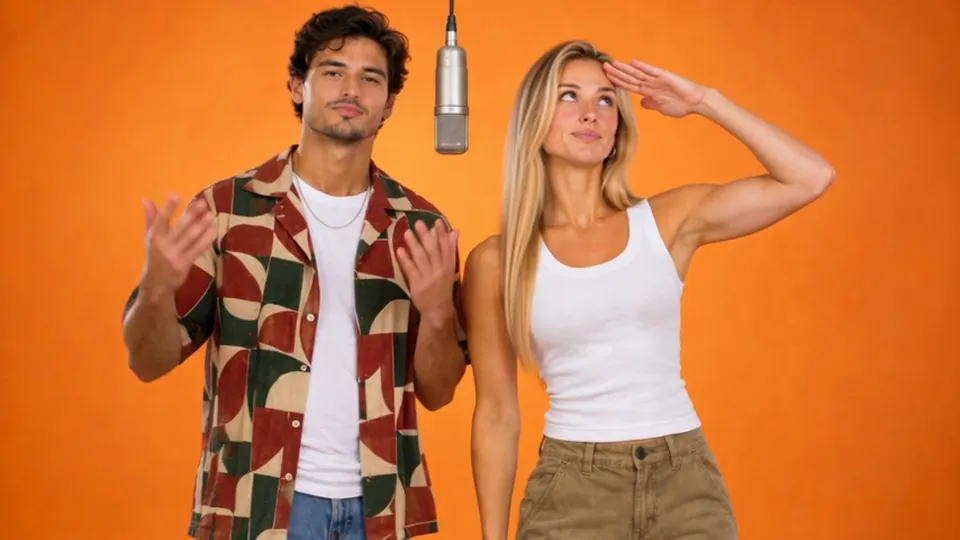
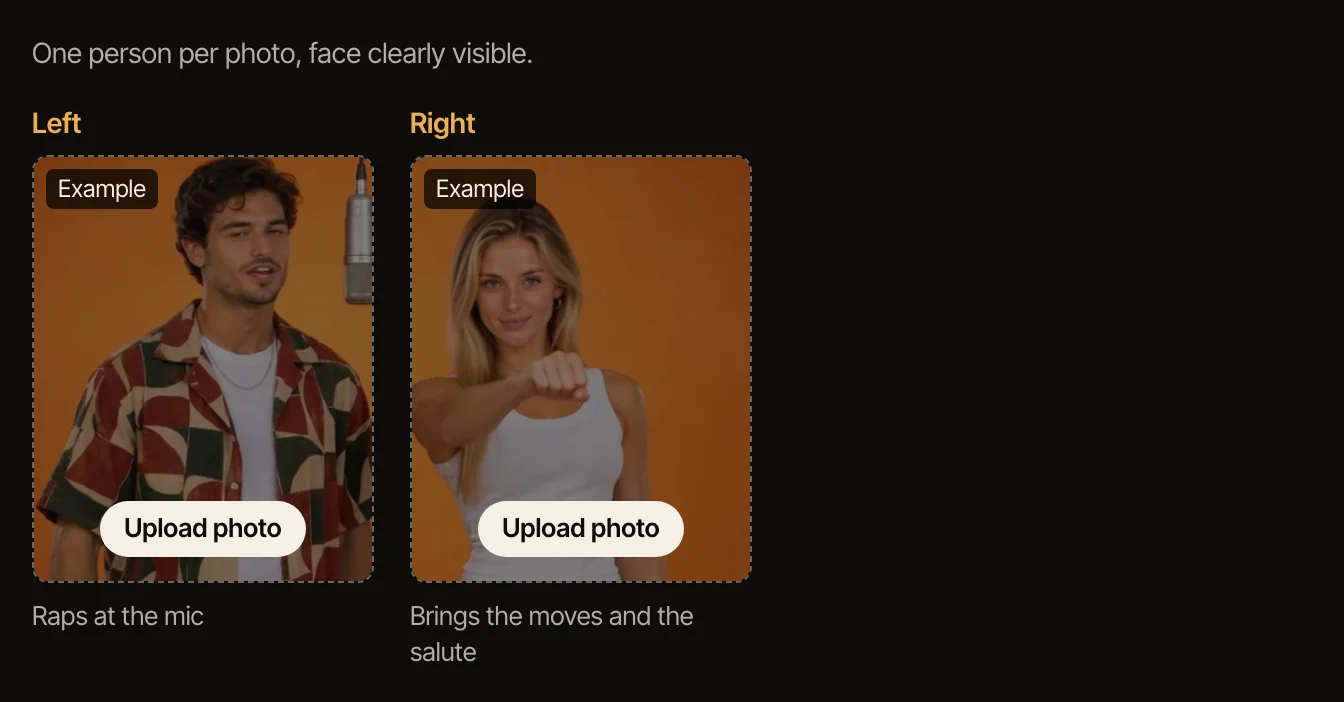
The left side stays at the mic and raps the whole way through. The right side brings the moves: a fist at the camera, crossed arms, a shush and a salute at the end. Put each friend where they fit.
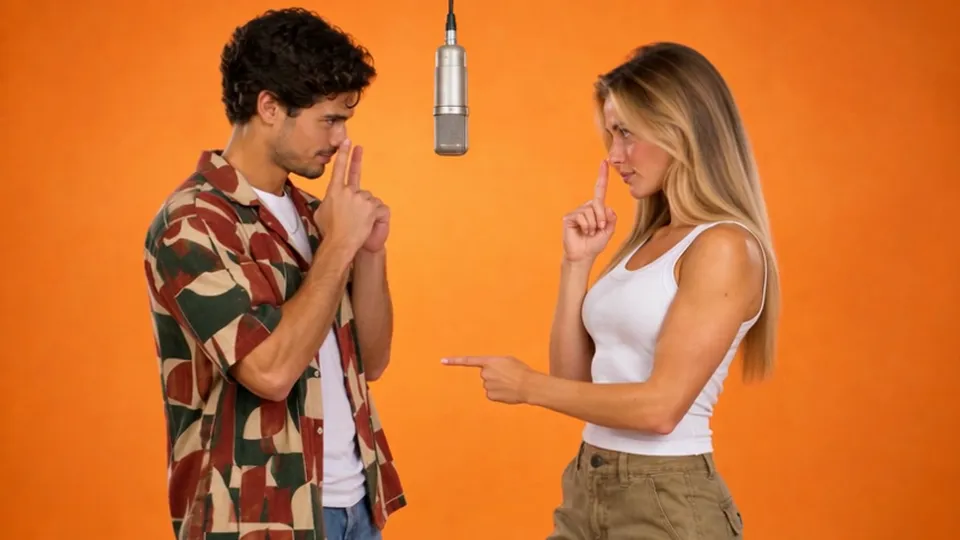
- 2
Add the two photos
On the Hotel Lobby page, click the left box and choose the photo for the left side, then do the same on the right, and tick that both people agreed. Each photo is checked automatically before anything is made.
- 3
Make the 4-second version first
It is the opening four seconds with both of you in the booth, made with free credits, so you can see how well both faces come through before spending anything.
- 4
Make the full video
Pick Standard or Best, then make the 15-second video: the opening, the hand moves, the shush and the salute at the end. Best follows the moves more closely.
- 5
Download it and add the sound when you post
Videos made with purchased credits have a Download MP4 button. The file is silent on purpose: add the Hotel Lobby sound in TikTok, Reels or Shorts when you post, and start it from the beginning so it lines up.
Get a better likeness
The face in the video comes from the face in the photo, so the photo decides most of the result. Use one where the face is big in the frame, lit from the front, with no sunglasses, hat brim or hair across the eyes.
The booth shot is from the waist up, so a photo that shows the upper body helps the model keep each person’s build and clothes. A tight head crop still works but leaves more to guess.
Test both photos with the 4-second version. Once both faces look right there, they will look right in the full video too.
If something goes wrong
A photo is refused: it had more than one face, the face was turned away or covered, or it looked like a minor. Use another photo of the same person, on their own and facing the camera. A photo with other people in it, even small faces in a picture on the wall, can make the video fail; the credits come back.
The button asks for another photo: both sides are needed, so add a photo to the empty box.
Not enough credits: the full video uses purchased credits. Daily free credits cover the 4-second version only.
The video failed: this is rare and the credits go back to your account automatically. Try again; if it fails twice with the same photos, try different ones.
Other ways people make it
Most Hotel Lobby AI videos online are made with app templates or with a video model fed the original clip as a motion reference, so the moves copy the performance frame by frame. That route needs an editing app or a prompt and some trial and error.
On TipToe AI the prompts, the booth and the moves are already done and the original clip is never used; you only choose two photos. That is the trade: the moves follow the meme rather than copying it frame by frame, and there is nothing to edit.
Sources: Know Your Meme, Complex
Questions
Is there a Hotel Lobby template I can download?
Not here. A template means a video you edit in an app. TipToe AI makes a new AI video from your two photos instead, so there is nothing to download before you start.
What can I make for free?
The 4-second version: the opening of the meme with both of you, made with daily free credits. The full 15-second video and the download use purchased credits.
Can I do this on my phone?
Yes. The page works in a phone browser: choose photos from your camera roll, make the video, and download the MP4 to your phone to post.
Can I use only one photo?
No, Hotel Lobby is a duo, so both sides need a photo. You can use two photos of the same person if you want to play both parts.
What happens to the photos?
They are used to make your video and then deleted; the photos and still frame behind a 4-second version are kept for 24 hours so you can make the full video from them. Details are in the privacy policy.
Is this an official COLORS tool?
No. This is a fan-made AI video tool and is not affiliated with COLORS, the artists or their label.
One orange booth, one hanging mic. One of you raps, the other brings the moves.
Make your Hotel Lobby video