GTA 6 Loading Screen AI video generator: your GTA VI loading screen video
GTA 6 Loading Screen
Add one photo of you and watch a sunny seaside street scene freeze and turn into a bold illustrated loading screen.
Star
- One person per photo, face clearly visible
- One photo is all your GTA 6 loading screen video needs
- JPG or PNG, up to 5 MB
Before use, each photo is checked automatically (Amazon Rekognition) for nudity and to estimate whether the person is an adult. We don't keep any face data from this check.
What is the GTA 6 Loading Screen AI trend?
The idea is to turn yourself into a GTA 6 loading screen: a picture of you in the bold, colorful illustration style of a crime-game loading screen. It is also called the GTA loading screen meme, and it is part of the wider GTA 6 AI trend. GTA 6 came out on November 19, 2026.
Making yourself into a GTA-style picture took off on TikTok from 2024, and turning yourself into a game loading screen was listed as a TikTok trend in May 2026. Before the game came out, people were already using ChatGPT and similar tools to turn portraits into this kind of art. Those results were still pictures. If a still picture is all you want, the GTA loading screen AI prompt page makes one from your photo.
This page makes a video instead. It is a GTA 6 AI video generator and a GTA 6 loading screen AI tool in one: you add one photo, and a 10-second vertical video starts in a sunny seaside street scene and ends on a finished illustration of you, set out as a four-panel loading screen poster. The video has no text, no logos and no game characters, just you in that illustrated style, in your own clothes. This page and the videos made here are fan-made and not made by, endorsed by or affiliated with Rockstar Games or Take-Two Interactive, the makers of Grand Theft Auto.
Sources: Rockstar Newswire: GTA 6 launch date, Cyberlink: the GTA filter trend, Epidemic Sound: latest TikTok trends, Il Sole 24 Ore: GTA 6 on social media before its release
What happens in the video
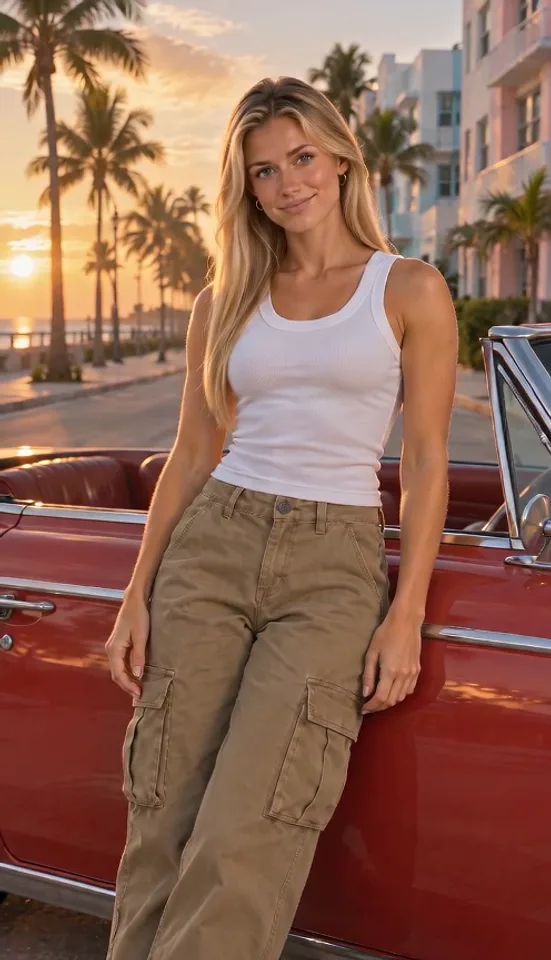
Your photo becomes a realistic sunset street by the sea, with tall palms, pastel pink and blue art-deco buildings and a red vintage convertible with no badge. You lean on the car, turn to look at the camera, smile and cross your arms, then freeze.
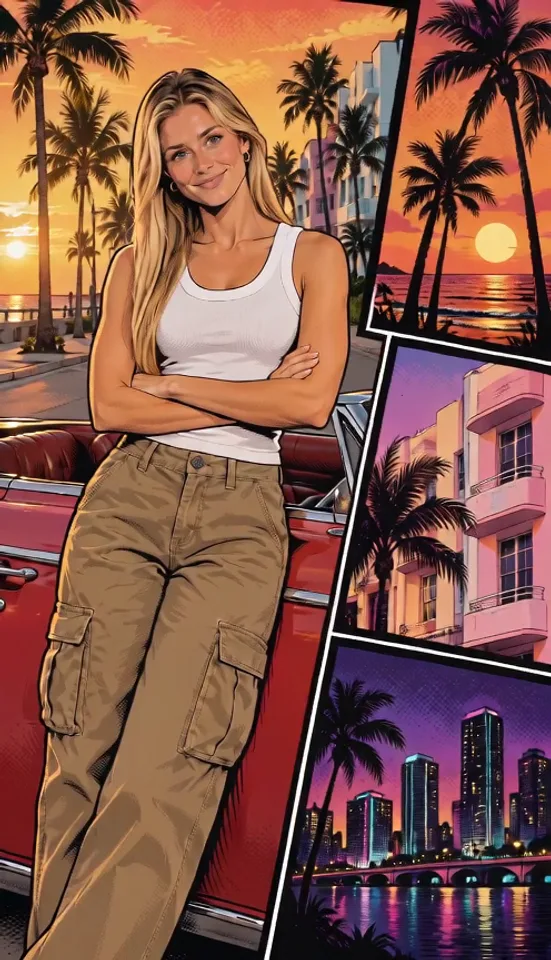
About six seconds in, the whole scene turns into an illustration in under a second: bold black outlines, flat colors, halftone shading and a saturated orange-pink sky. Then the illustration slides into a large panel on the left, and three slanted panels slide in from the right: palms against a sunset over the sea, a pink art-deco building and a city skyline at night. The video ends on that finished loading screen poster, which holds for the last two seconds. It is a frame you can screenshot for a wallpaper or a profile picture.
How to make yours
1 Add one photo
Upload one clear photo of yourself. That is the only photo the video needs.
2 Try the 4-second version
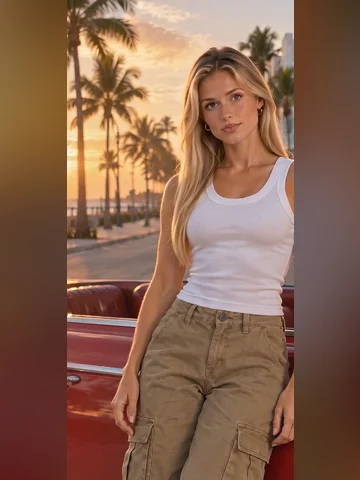
The opening four seconds, still a realistic street scene: you turn to the camera and start to cross your arms. The change into an illustration comes in the full video. It is made with free credits, so you can check the likeness first.
3 Make the full video
10 seconds in Standard or Best quality; Best is the higher-quality option. It waits in My videos; download it and add a sound when you post.
Who plays what
Star
Leans on the red convertible, turns to the camera, smiles, crosses their arms and holds still while the scene turns into an illustration, then into the big panel of the loading screen poster. This part is yours.
Which photos work
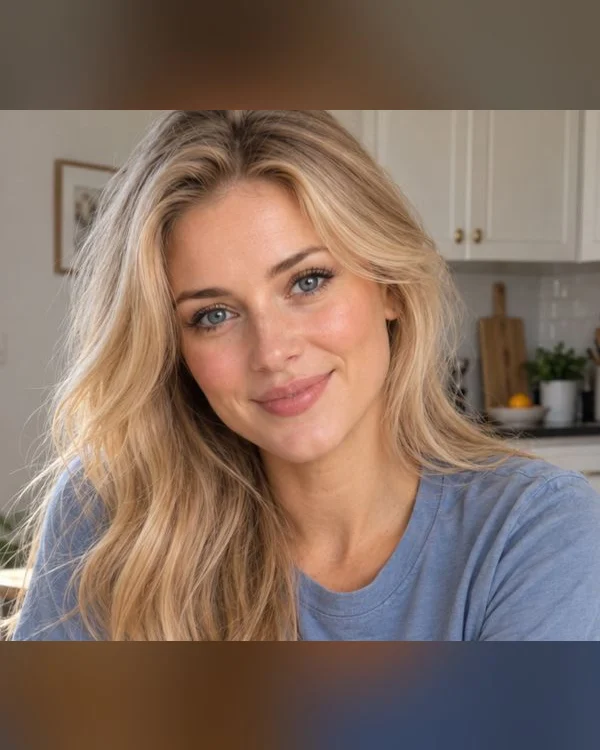
Face and shoulders
The best match: the face is big and clear, so the likeness has plenty to go on.

Waist up
Works well too: the face is still big, and the video keeps the clothes you are wearing.
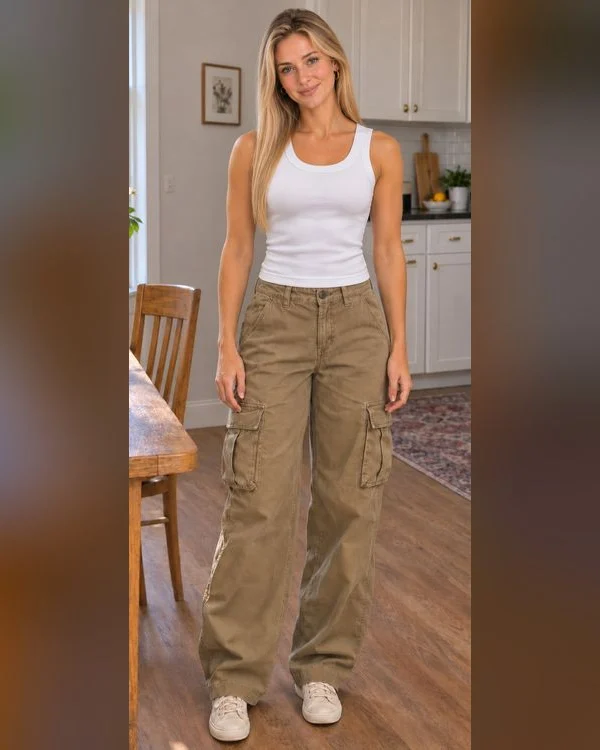
Full body
Works, but the face is small, so the likeness has less to go on.
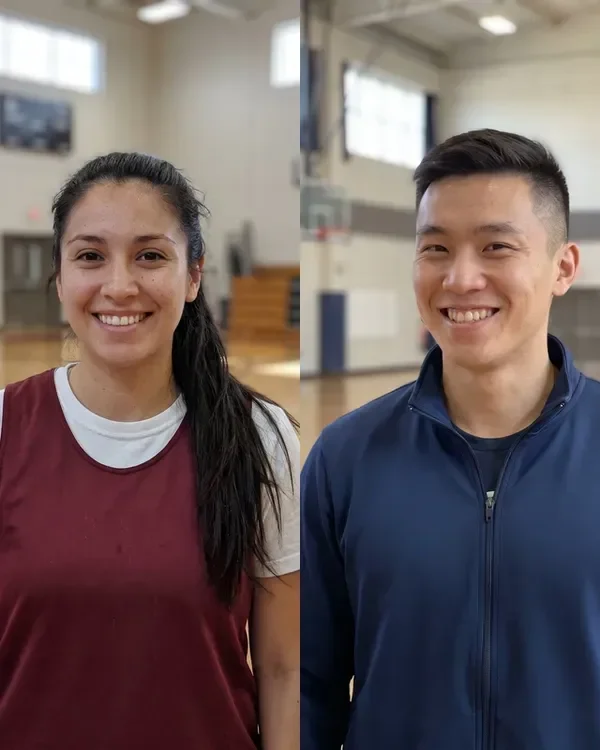
Group photos
One person per photo. Crop each person out of a group shot first.
Questions
Is this official?
No. This is a fan-made AI video tool. It is not made by, endorsed by or affiliated with Rockstar Games or Take-Two Interactive.
Is this a GTA 6 filter?
Not a photo filter: you get a 10-second video, made new from your photo. The last frame of the video also works as a still picture, so you can screenshot it for a wallpaper or a profile picture.
Where did the GTA 6 loading screen trend come from?
Making yourself into a GTA-style picture took off on TikTok from 2024, and turning yourself into a game loading screen was listed as a TikTok trend in May 2026. GTA 6 came out on November 19, 2026. Before that, people were already using ChatGPT and similar tools to turn portraits into loading-screen style art.
Is this a GTA loading screen video maker?
Yes. You add one photo and get a 10-second video that ends on a loading-screen style illustration of you. Nothing is made from the game itself: the video has no text, no logos and no game characters.
Can I make a GTA loading screen dog video?
Not yet. For now the video takes a photo of one person. Pet photos are still being tested, and this page will say so when they work.
Does the video include a song?
No, you get a silent MP4. There is no single song for this trend: when you post, search “GTA 6 loading screen” under Add sound in TikTok, or pick any trending sound in TikTok, Reels or Shorts.
Do I need to write a prompt?
No. You only add a photo; the scene and the moves are already set.
Can I put a celebrity in it?
No. Photos of people must show adults who agreed to be in the video, and no public figures.
What can I make for free?
The 4-second version, made with free credits. The full 10-second video uses purchased credits.
More memes
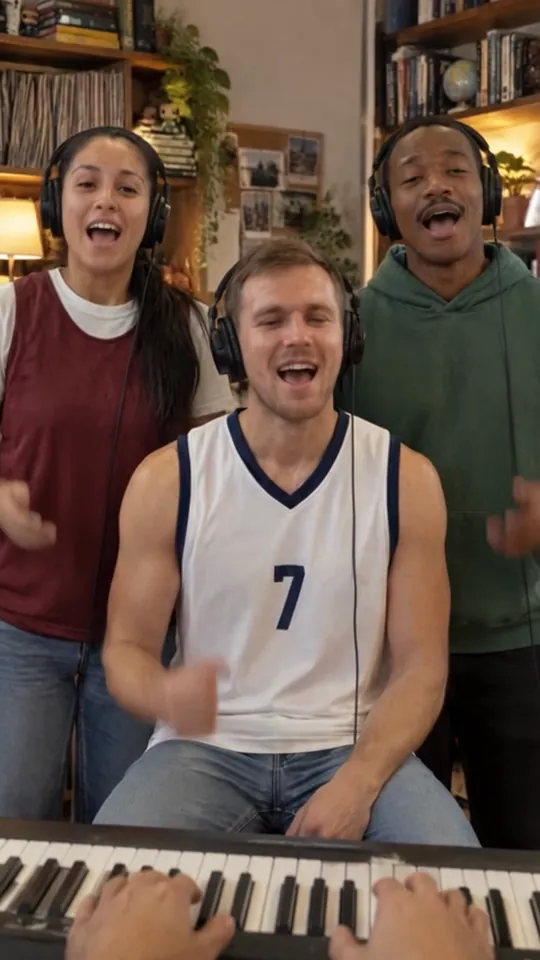
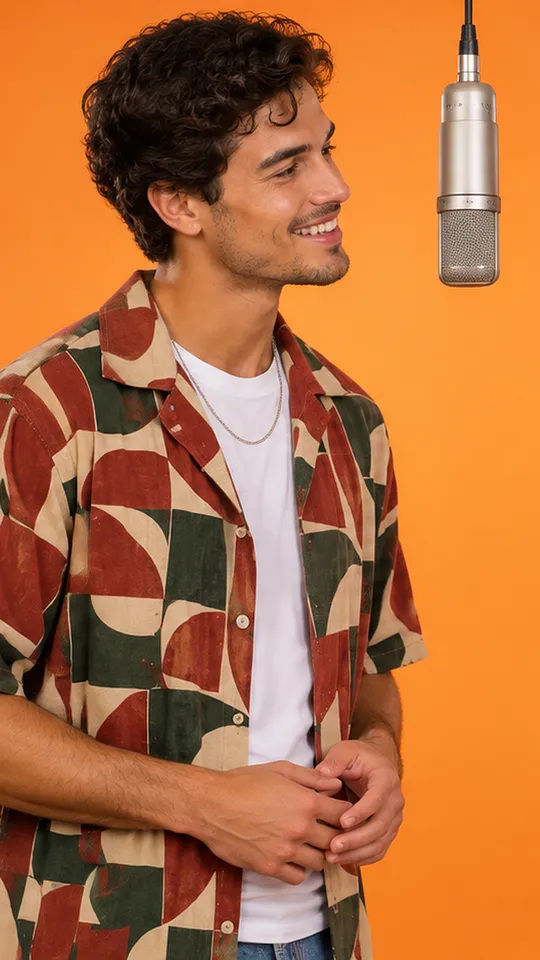
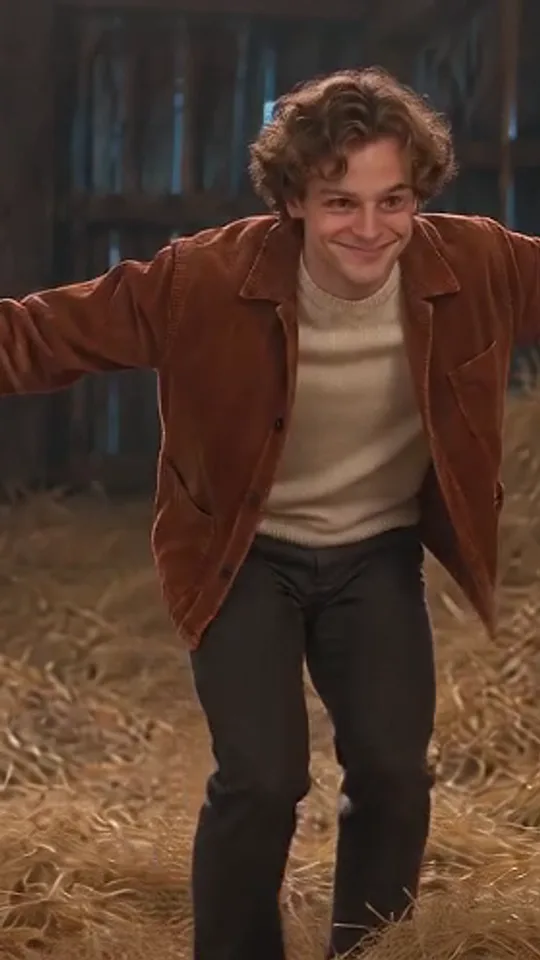
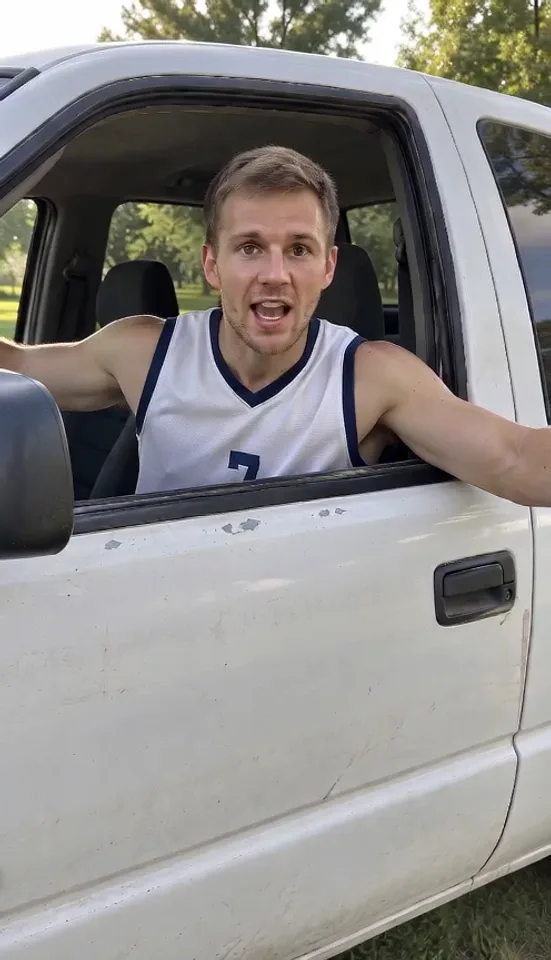
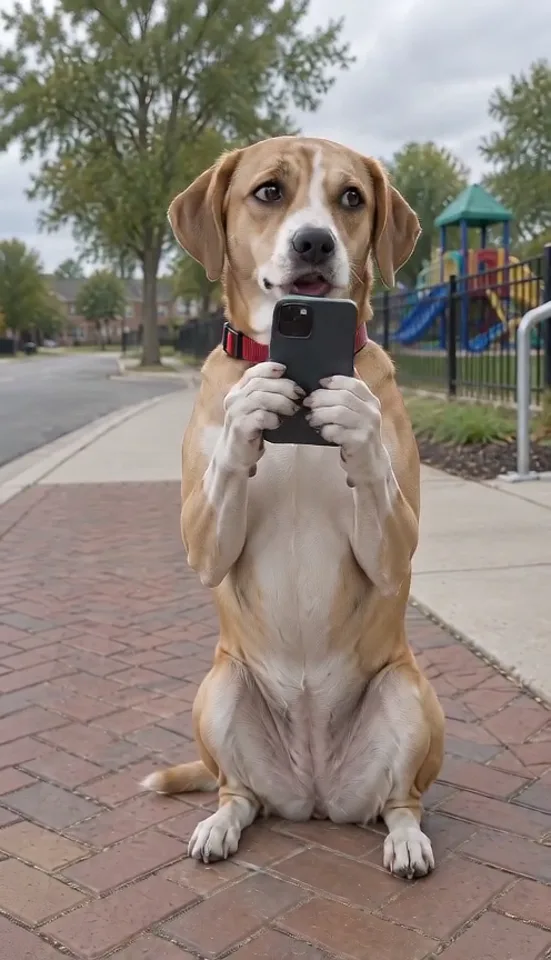
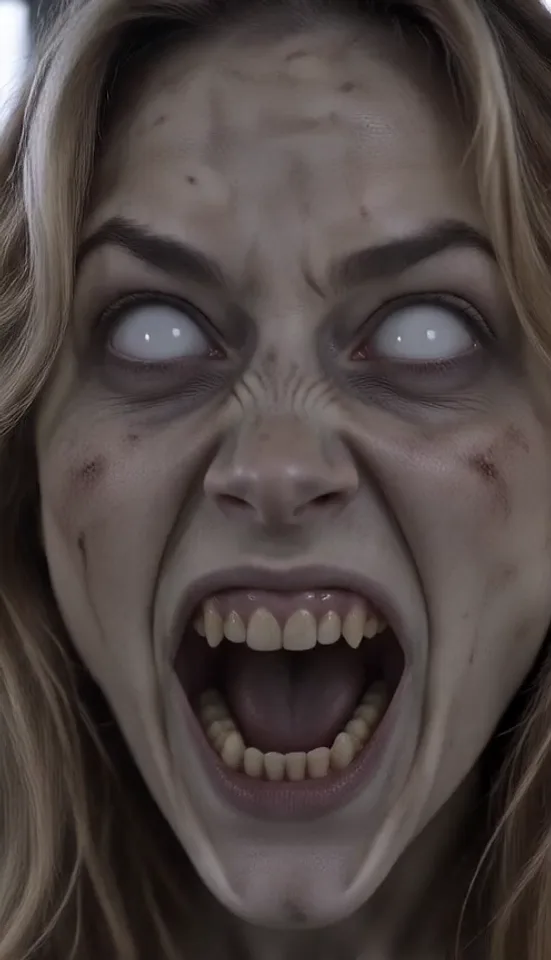
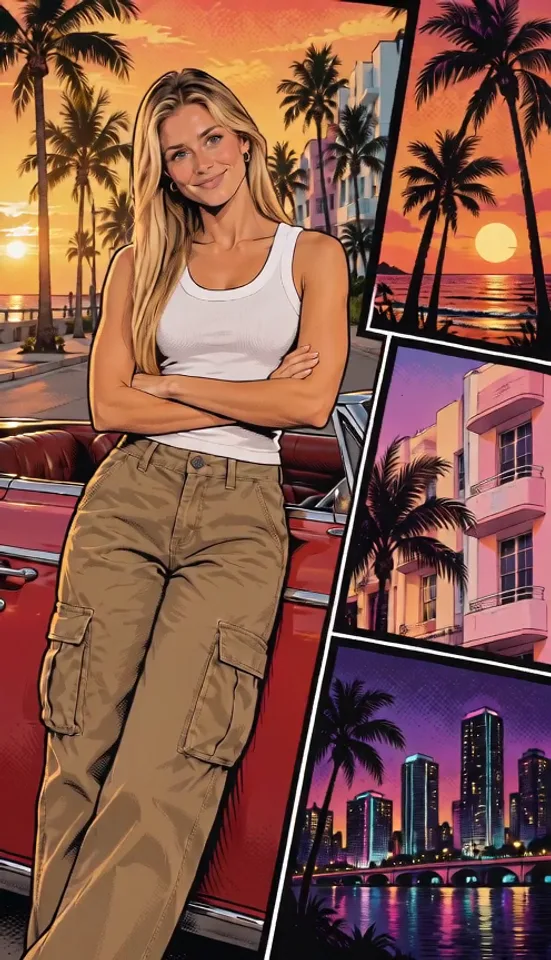
Add one photo of you and watch a sunny seaside street scene freeze and turn into a bold illustrated loading screen.
Upload your photo