How to Make a Zombie AI Video: Zombie Hug Trend Tutorial
To make a zombie AI video of yourself, upload two photos on the Zombie AI Video page: one for the survivor and one for the zombie, usually your partner. Try the opening 4 seconds with daily free credits to check both faces, then use purchased credits to make the full 15-second story, from the tense ruined room to the hug on the golden hillside. There are no prompts to write.
The zombie AI video trend is also known as the Zombie Love Story AI trend, the zombie couple video, the zombie hug trend and the zombie partner trend. This tutorial walks through each step, which photos work, what to do when something goes wrong, and how to add the sound when you post.
What you need
- Two photos: one for the survivor and one for the zombie, a person each. One person per photo, face clearly visible. JPG or PNG, up to 5 MB each.
- Each photo must show an adult who agreed to be in the video. No celebrities or other public figures.
- An account: the free 4-second version uses daily free credits, the full video uses purchased credits.
- Some patience while the video is made: you will find it in My videos when it is done.
Step by step
- 1
Decide who plays what
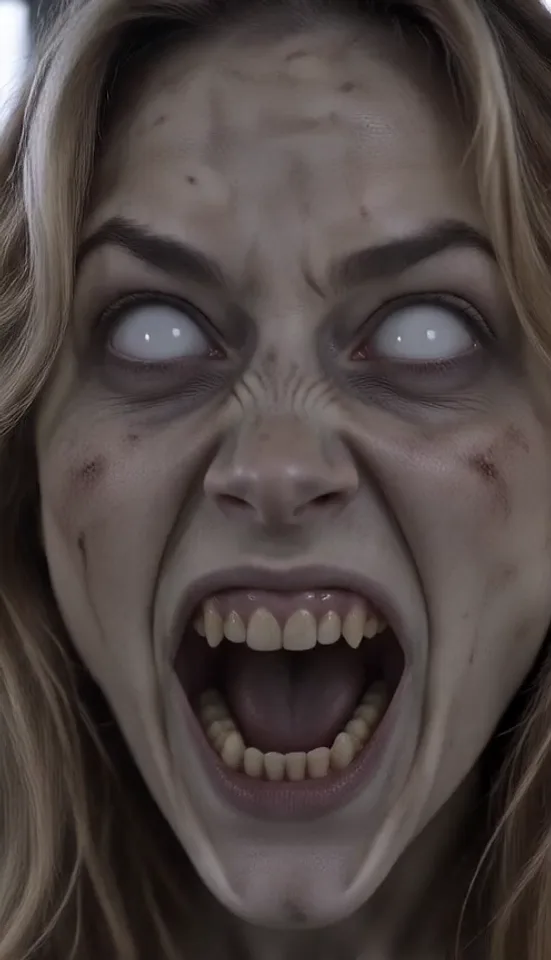
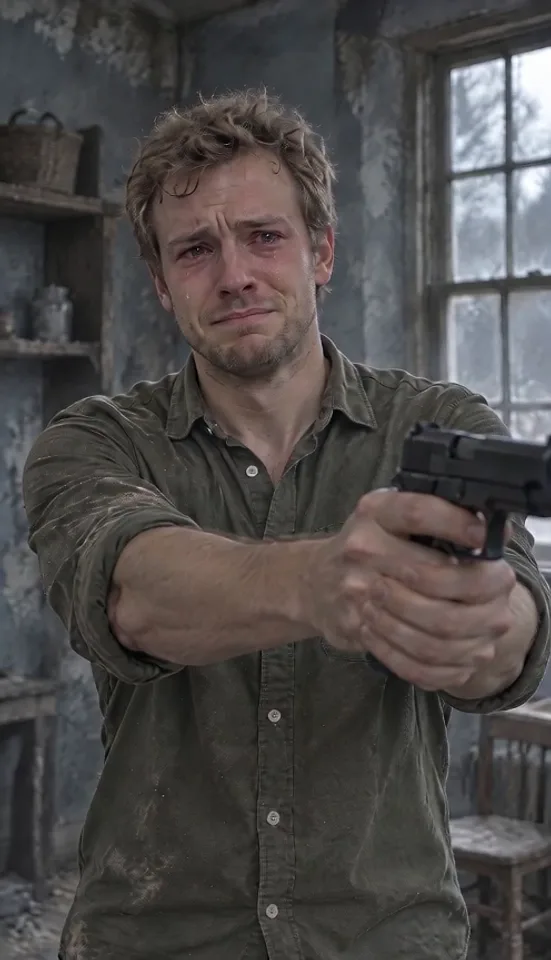
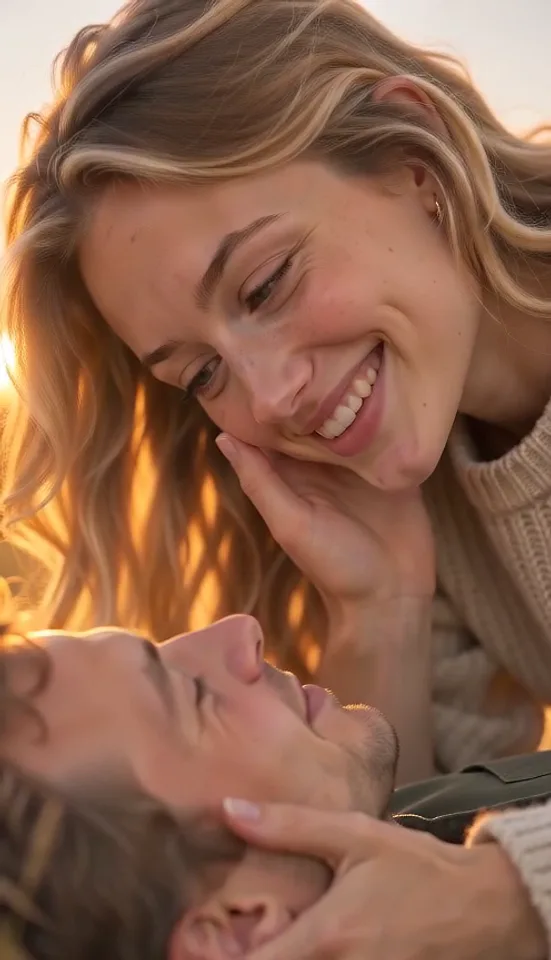
There are two parts. The survivor stands in a grey, ruined room holding a prop pistol, crying and shaking, then lowers it. The zombie, with grey skin and blank white eyes, stands staring in the ruined room, then lunges. The cut to the golden hillside is a memory of the two of them as they used to be, before one of them turned, laughing and holding on, the survivor opening both arms for the hug. Pick the survivor first (usually you), then choose a partner, friend or parent for the zombie. That is the whole zombie couple video.
- 2
Add the photos
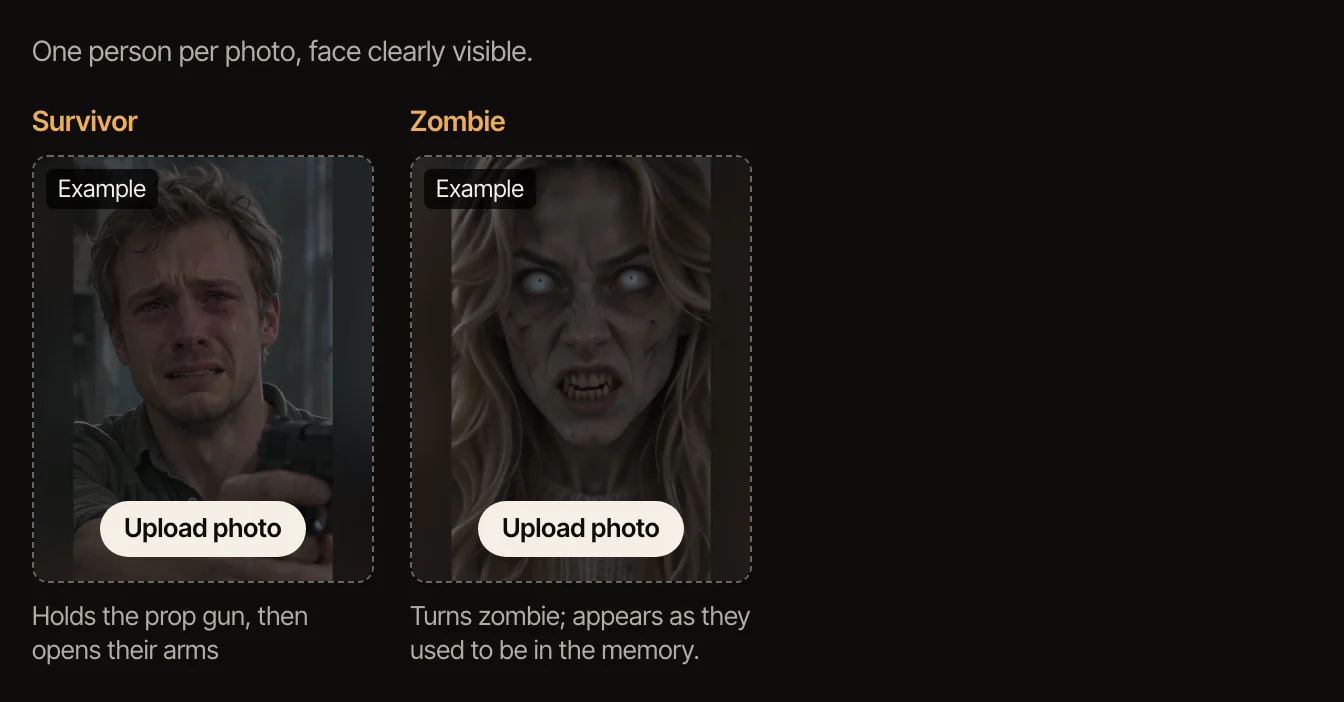
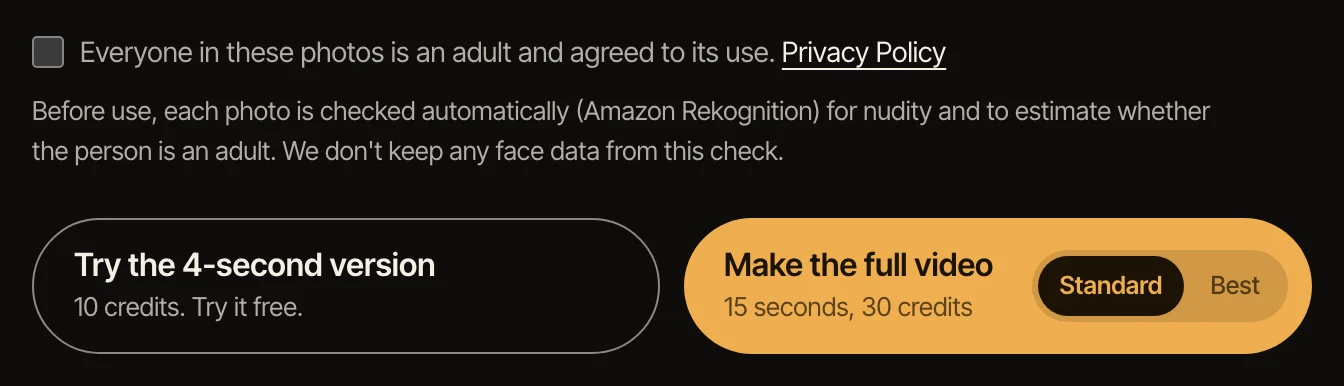
On the Zombie AI Video page, click the Survivor box and choose a photo of the person who holds the pistol, then click the Zombie box and choose the photo of the person who gets turned. Check the box to confirm that everyone in the photos agreed to be in the video. Each photo is checked automatically before anything is made.
- 3
Make the 4-second version first
It is the opening four seconds: a close-up of the survivor in tears with the prop pistol in front of them, then the zombie standing in the broken room, staring. It is made with daily free credits, so you can see how well both faces come through before spending anything.
- 4
Make the full video
Pick Standard or Best, then make the 15-second vertical video: the lunge, the hard cut to the golden grassy hillside, the hug, the laugh and the two of you watching the sunset. Best is the higher-quality model.
- 5
Download it and add the sound when you post
Videos made with purchased credits have a Download MP4 button. The file is silent on purpose: add a sound in TikTok, Reels or Shorts when you post. The trend has no single song, so search “Zombie AI Video” or “zombie love story” in the sound library, or pick any slow, sad instrumental.
Get a better likeness
The faces in the video come from the faces in your photos, so the photos matter most. Use ones where the face is big in the frame, lit from the front, with no sunglasses, hat brim or hair across the eyes, and pick two photos that look like the people do every day: the video starts them in the ruined room and ends them in the memory.
A face-and-shoulders or waist-up photo works best, because the video opens on close-ups; a full-body photo only makes the face smaller. Your clothes come from the photo; the grey room and the golden hillside are part of the scene.
Test with the 4-second version first. The full video starts from the same opening frame, so if both faces look right there, that is a good sign.
If something goes wrong
A photo is refused: the photo may show more than one face, a face turned away or covered, someone who looks under 18, or nothing we can recognize as a person. Use another photo of the same person, on their own and facing the camera. A photo with other people in it, even small faces in a picture on the wall, can make the video fail; the credits come back.
Not enough credits: the full video uses purchased credits. Daily free credits cover the 4-second version only.
The video failed: the credits go back to your account automatically. Try again; if it fails twice with the same photos, try different ones.
The sound feels wrong: the video has no music on purpose. Try a slower sound, and start it when the survivor first raises the prop pistol, then preview it before you post.
Other ways people make it
Many zombie AI videos online come from a written prompt for a video model, an app template or a CapCut project, which takes some trial and error before the zombie turns out the way you imagined.
On TipToe AI the scenes and the story are already set: you choose two photos. That is the trade: the video follows the trend beat by beat rather than copying any clip, and there is nothing to write or edit before you add the sound.
Sources: Google Trends, “zombie ai video”
Questions
Is the zombie AI video the same as the Zombie Love Story or the zombie couple video?
Yes. The zombie AI video trend, the Zombie Love Story, the zombie couple video, the zombie hug trend and the zombie partner trend all name the same story: a survivor lowers a gun, the zombie lunges, and a hard cut to a warm memory turns it into a hug. If you searched for the AI zombie video, it is this one too.
Where does the zombie AI trend come from?
Videos of it spread on Instagram and TikTok from late September 2026, with similar clips from several accounts within days of each other. Nobody has confirmed who made the first one, and we found no film behind it.
What song is in the zombie AI video trend?
There is no official song for it that we know of. The clip has no words and people add slow, sad sounds of their own. Your video is silent; add a sound when you post.
What can I make for free?
The 4-second version: the opening of the story with your photos, made with daily free credits. The full 15-second video and the download use purchased credits.
Can I make my girlfriend, boyfriend or partner a zombie?
Yes, if they agreed to be in it. Add a photo of them for the zombie and a photo of yourself for the survivor. They are a zombie only for the first part; the final scene is a memory of them before they became a zombie.
Can I make a zombie dog AI video with my dog or cat?
Not yet. For now the zombie AI video takes two photos of people. Pet photos are still being tested, and this page will say so when they work.
Do I need CapCut, a template or a prompt?
No. The Zombie AI Video page works like a template: the scenes and the story are set, and you only add photos. There is no prompt to write and no timeline to edit; you add the sound when you post.
Can I do this on my phone?
Yes. The page works in a phone browser: choose photos from your camera roll, make the video, and download the MP4 to your phone to post. It is already vertical (9:16), the shape TikTok, Reels and Shorts use.
What happens to the photos?
They are used to make your video and then deleted; the photos and still frame behind a 4-second version are kept for 24 hours so you can make the full video from them. Details are in the privacy policy.
Is this an official tool?
No. This is a fan-made AI video tool and is not affiliated with whoever made the first zombie love story clips.
A shaking prop pistol, a zombie who used to be someone you love, and a cut to the golden memory. You, your partner or a friend play the story.
Make your zombie AI video